Blog
PlayStation Neon Sign: Level Up the Setup
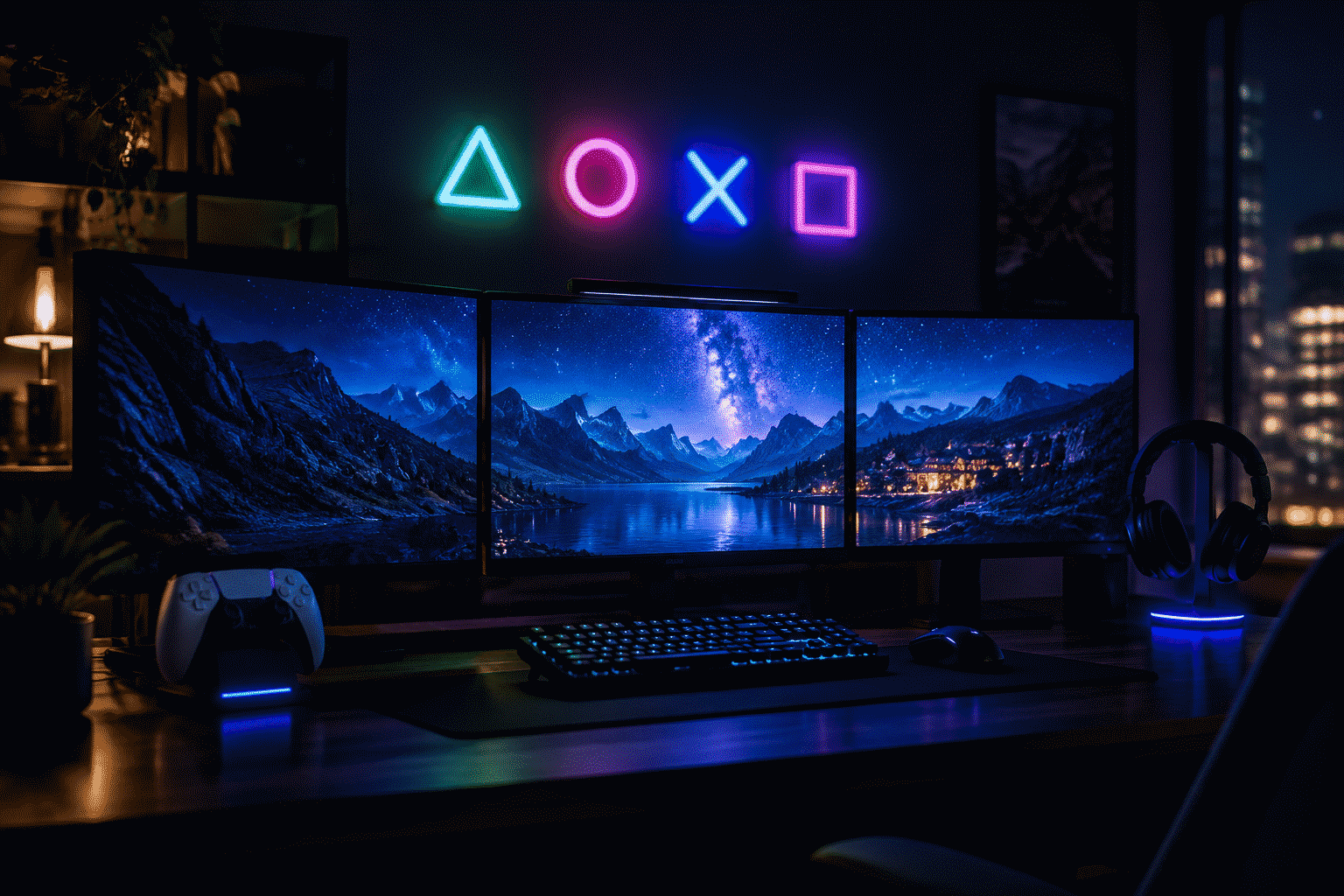
Triangle, circle, cross, square. Four abstract shapes, in use since 1994, now recognizable to three console generations in a hundred-plus countries — one of the most widely known symbol sets ever put on a controller. As a wall piece, the four-button cluster is gaming’s most elegant neon option: abstract enough to be design, specific enough that every guest who has ever held a controller reads it instantly.
This guide covers the PlayStation glow: the symbol set and how it renders, the setup placements (monitor tier, TV wall, and the streaming corner), the color logic, the secondhand question, and the fan-styled custom route for the text tiers.
The Symbol Set: Why Four Shapes Beat Every Logo
The genius of the button cluster is that it never needed the brand name to work:
- The four-shape cluster. The controller’s face-button arrangement — triangle up top, circle and cross flanking, square below — is the icon. In neon it renders as four small shapes in the brand’s own layout, and the geometry is what carries: four clean strokes, no lettering, no trademarked wordmark needed. It is gaming’s most legally graceful glow — the shapes read as design language, and a fan-styled cluster is your arrangement of four universal symbols.
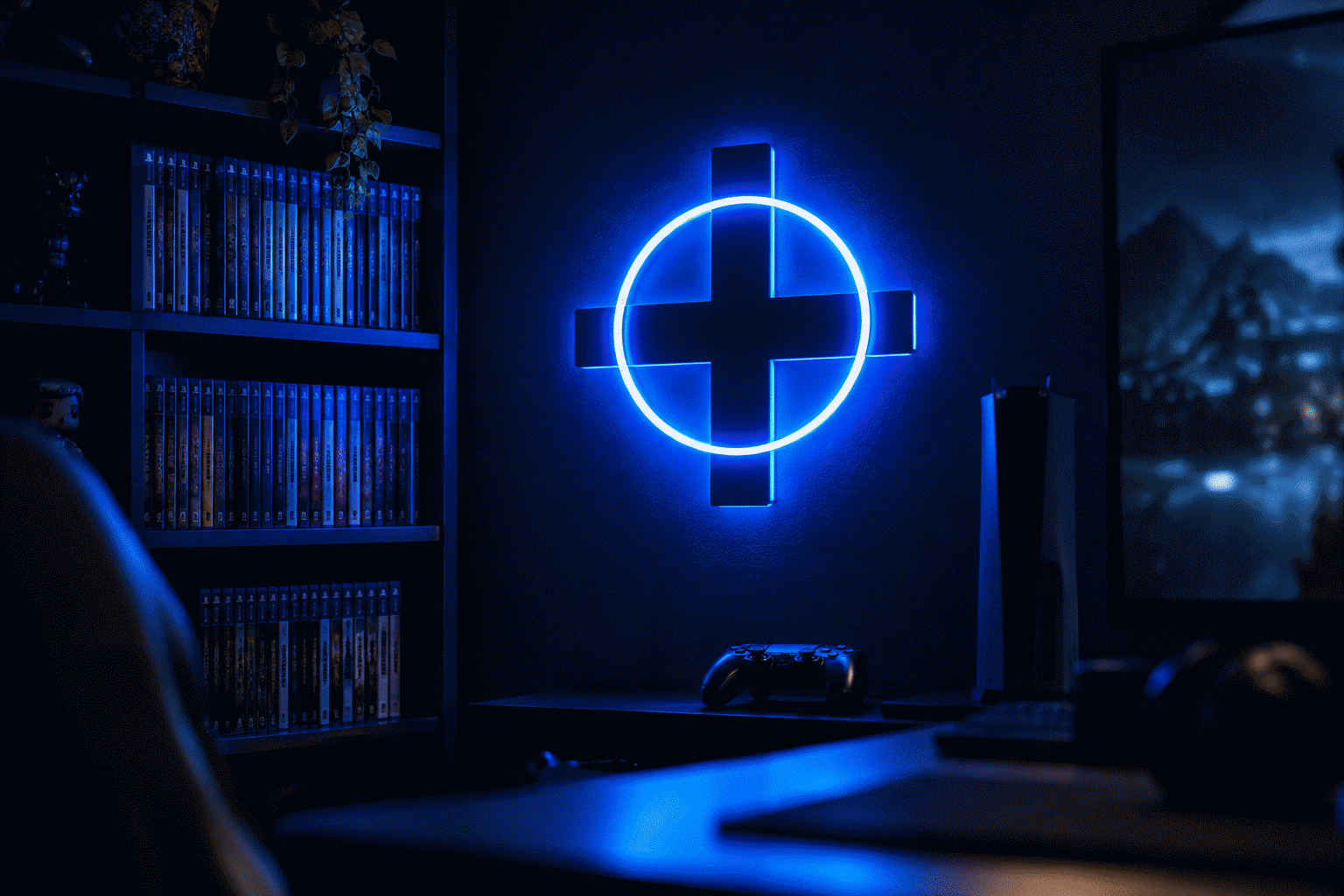
- The single shape. One big cross or one circle as the room’s abstract accent — the minimal-gamer register. A single 18-inch cross in the console blue does for a gaming wall what a single lightning bolt does for a den.
- The color-coded memory. The shapes’ traditional colors (green triangle, red circle, blue cross, pink square) are burned into thirty years of muscle memory — a four-color custom cluster is the faithful register, and a single-hue cluster is the modern-minimal one. Both read; the choice is your room’s brightness budget.
The design lesson: the strongest gaming wall pieces are symbol-tier, not logo-tier. Symbols survive translation into any medium; logos fight it.
The Setup Placements
The monitor array (the command deck). The four-shape cluster centered above the monitor array — the position of honor, where the console’s own icon set watches over the play. 16–20 inches for a single-desk setup; the cluster reads best small and precise rather than billboard-scale.
The TV wall (the living-room console). The big-screen deployment: a single large shape or the cluster at 24–30 inches, mounted off-center so the television stays the room’s hero when it’s on and the sign takes the wall when it’s dark. The gaming room guide covers the full TV-wall layouts; the console-blue hue behavior is in the blue sign guide.
The streaming corner. The on-camera register: the cluster placed in the webcam frame’s background tier, at 30–50% output so it glows on stream without blowing out the exposure. The content-creator placement has its own logic — the sign is set dressing, and the dimmer is the director.
The shelf tier. The console shelf beside the hardware itself: a small cluster or single shape at 12–14 inches, the piece that ties the equipment wall into the room’s decor. The dust-and-display tier.
The office crossover. The desk-tier single shape for the work-from-home day setup — the cross or circle that reads as abstract art in daylight and as a gaming room after hours.
The Color Logic
- Console blue. The faithful register — the brand’s blue lands on dark walls as the machine’s own glow. The default choice, and the right one.
- The four-color faithful cluster. Green-red-blue-pink on the shapes themselves — the memory register, best on white or light walls where the four hues read separately.
- White on dark. The shapes in warm or ice white — the minimal register for the mature setup, the choice when the room’s palette is already committed elsewhere.
- The RGB question. Color-shifting builds exist and work — but the four shapes carry their own color identity, and a rainbow-shifting cluster reads generic where the static four-color cluster reads specific. When in doubt: fixed hues, chosen meaning.
For the full hue-behavior on gaming walls, the blue gaming setup and purple gaming setup pages cover the two most-used registers.
The Secondhand Question and the Custom Route
Vintage console-era neon — pieces from the launch eras of past console generations — surface on the collector market occasionally, usually as shop-display stock from game retailers. The honest expectations: rare, priced as retail memorabilia, and condition-dependent the way all old neon is.
The fan-styled custom route is where the category actually lives. The same note every brand piece here carries: custom builds are your design, not licensed merchandise — and the PlayStation tier is unusually well-suited to it because its icon set is abstract symbols. What the custom route builds best:
- The four-shape cluster at your width, in the faithful four colors or a single hue — the signature order.
- “PLAYER 1” (and PLAYER 2). The household register — the two-piece pair for the gaming couple, his-and-hers controllers in lights.
- The game-night phrase. “INSERT COIN,” “PRESS START,” “GAME NIGHT” — the text tier that works beside the cluster.
- The trophy tier. The platinum count in numerals — the achievement wall, glowing.
All of these price live by width and color count in the custom builder.
PlayStation vs. the Rest of the Gaming Wall
The gaming wall’s platform politics, settled as decor advice:
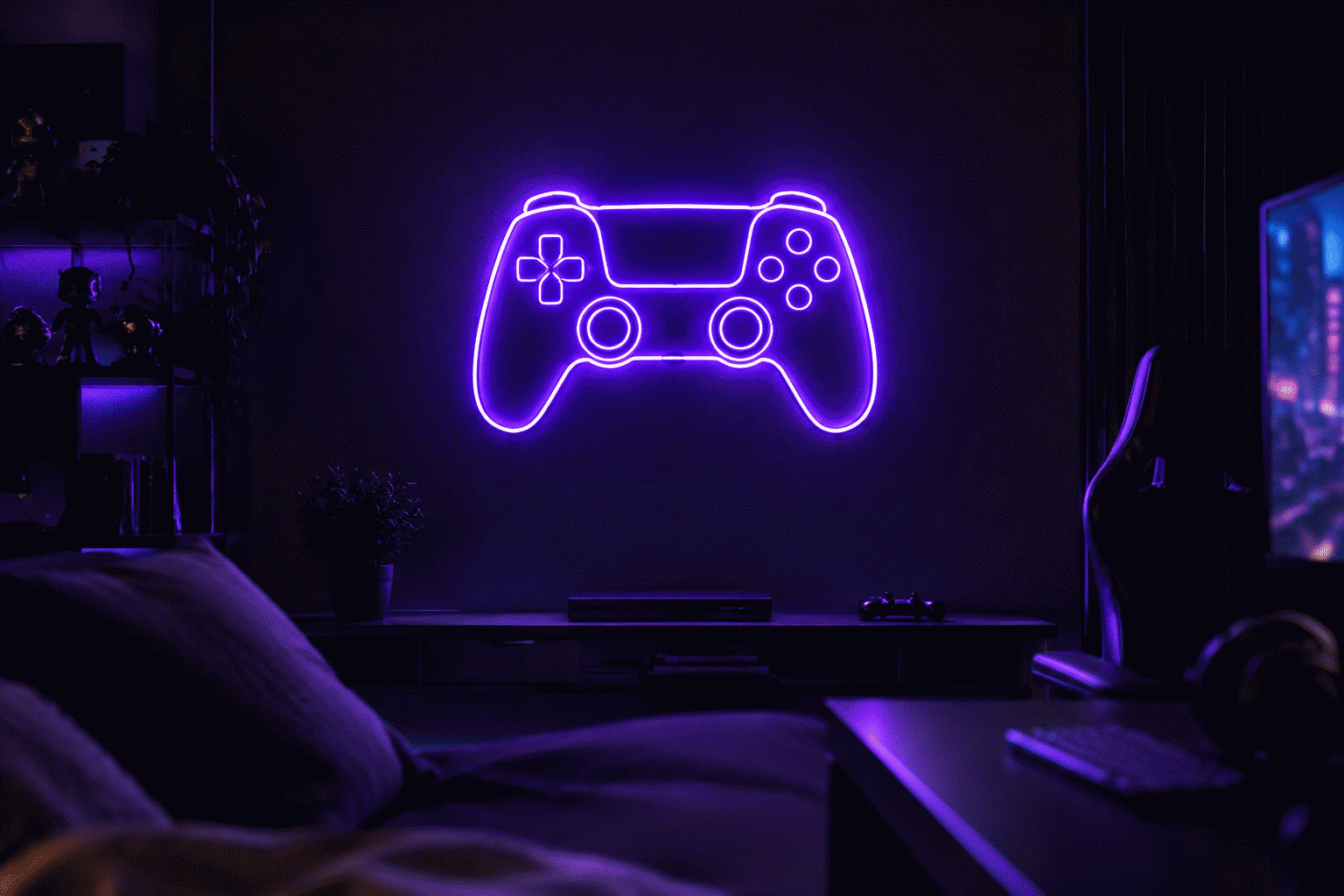
- The platform-neutral wall. The generic gaming register — no shapes, just the phrases and the RGB culture. Our gaming room guide is this tier’s home base.
- The PlayStation wall. The four shapes and the console blue — specific, minimal, design-forward.
- The retro wall. The pre-PlayStation arcade era — the retro gaming guide covers the coin-op register, and it pairs beautifully: the four-shape cluster as the modern anchor, one retro piece as the heritage tier.
- The cyberpunk crossover. The console aesthetic and the genre aesthetic share a wall comfortably — same palette discipline. The cyberpunk room guide has the recipe.
Mixed-platform households (the house with every console): the shape cluster for one generation, the phrases for the rest — symbols above, words below, peace maintained.
The Budget Tiers
The PlayStation wall scales in three honest steps:
- The single-shape build (under $100). One cross or circle at 16-18 inches, console blue — the desk-tier deployment that carries the whole identity. The minimal-gamer’s complete statement.
- The cluster tier ($100-$200). The four-shape cluster in the faithful or single-hue register, at 16-20 inches — the signature piece, the setup’s finishing move.
- The multi-piece setup ($200+). The cluster plus the PLAYER pair or the game-night phrase — the full gaming wall with the platform identity as its spine.
The upgrade path is the genre’s own: start with the shape, add the cluster, let the phrases follow. Each addition has a fixed position (shape at desk, cluster at monitor, phrases at shelf) — the system accretes without ever crowding.
FAQ: PlayStation Neon Signs
Where can I buy a PlayStation neon sign? Fan-styled custom builds are the category’s main street — the four-shape cluster, PLAYER 1, and the game-night phrases, priced live in the custom builder. Vintage shop-display pieces surface on the collector market occasionally, priced as retail memorabilia.
What is the PlayStation neon design that works best? The four-shape cluster (triangle, circle, cross, square) — abstract enough to be pure design, specific enough that every controller-holder reads it. The single-shape tier (one big cross or circle) is the minimal alternative.
What color should a PlayStation sign be? Console blue on dark walls — the faithful default. The four-color faithful cluster (green, red, blue, pink shapes) for white walls and the memory register. Fixed hues over rainbow-shifting: the shapes carry their own color identity.
How big should the sign be over a gaming setup? 16–20 inches for the monitor-array cluster, 24–30 for the TV wall, 12–14 for the shelf tier. The cluster reads best precise rather than billboard — it’s an icon set, not a banner.
Are custom PlayStation-style signs legal? Custom builds are your own text and design — the symbol tier (four universal shapes) is the most legally graceful glow in gaming, since it works without any wordmark. The licensing question lives with sellers of official marks, not with fan-styled custom buyers.
How do I light a PlayStation sign for streaming? The on-camera register: 30–50% output, positioned in the webcam’s background tier. The sign is set dressing — the dimmer is the director, and full brightness belongs to game night, not broadcast.
Press Start
Four shapes, thirty years of muscle memory, one wall. The cluster, the PLAYER pair, or the single-shape minimal tier — build it at the width your setup gives you, and let the console’s own icon set watch over the play.
More gaming glow: gaming room layouts, retro gaming walls, blue gaming setups.
Sources & Further Reading
- Neon sign (Wikipedia) — the consolidated public record of neon-sign history and technology.
- Mercury (U.S. EPA) — federal guidance on mercury exposure and safe handling.
Pricing based on CustomNeon’s current catalog (2026); custom quotes come live from the sign builder.