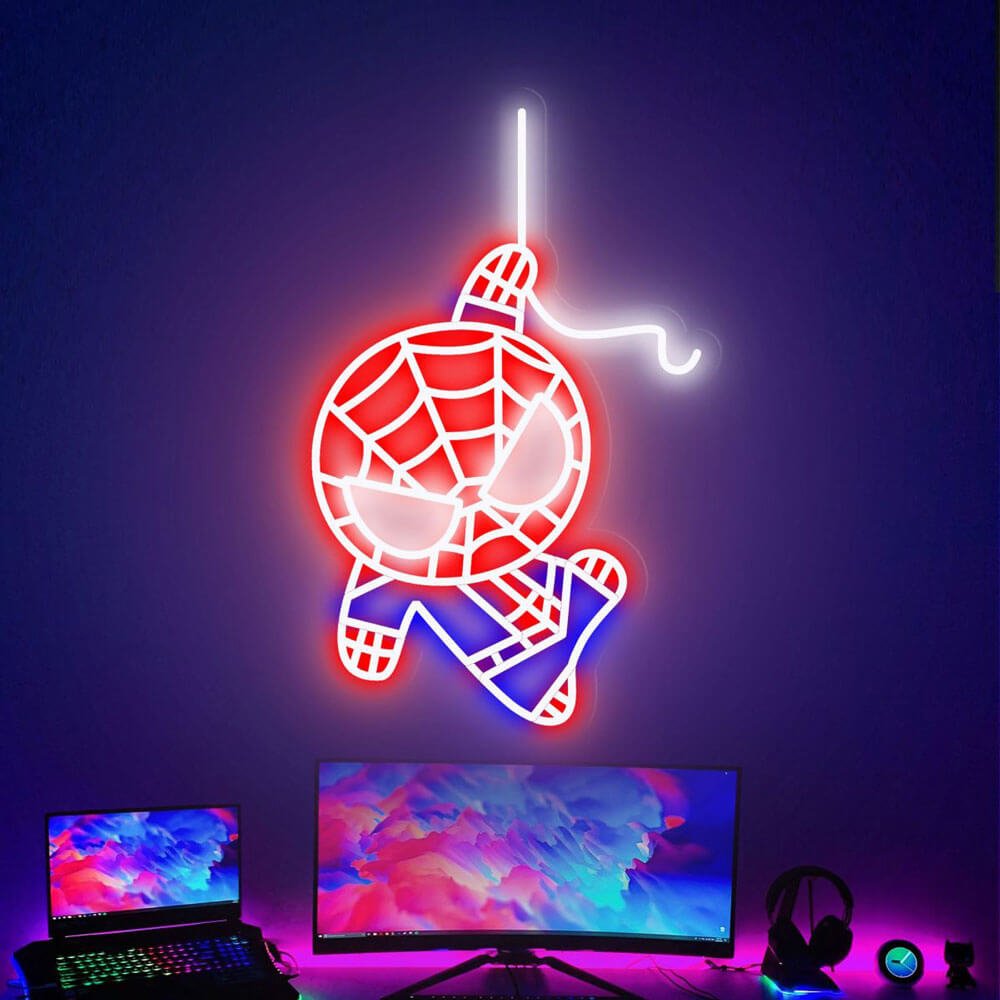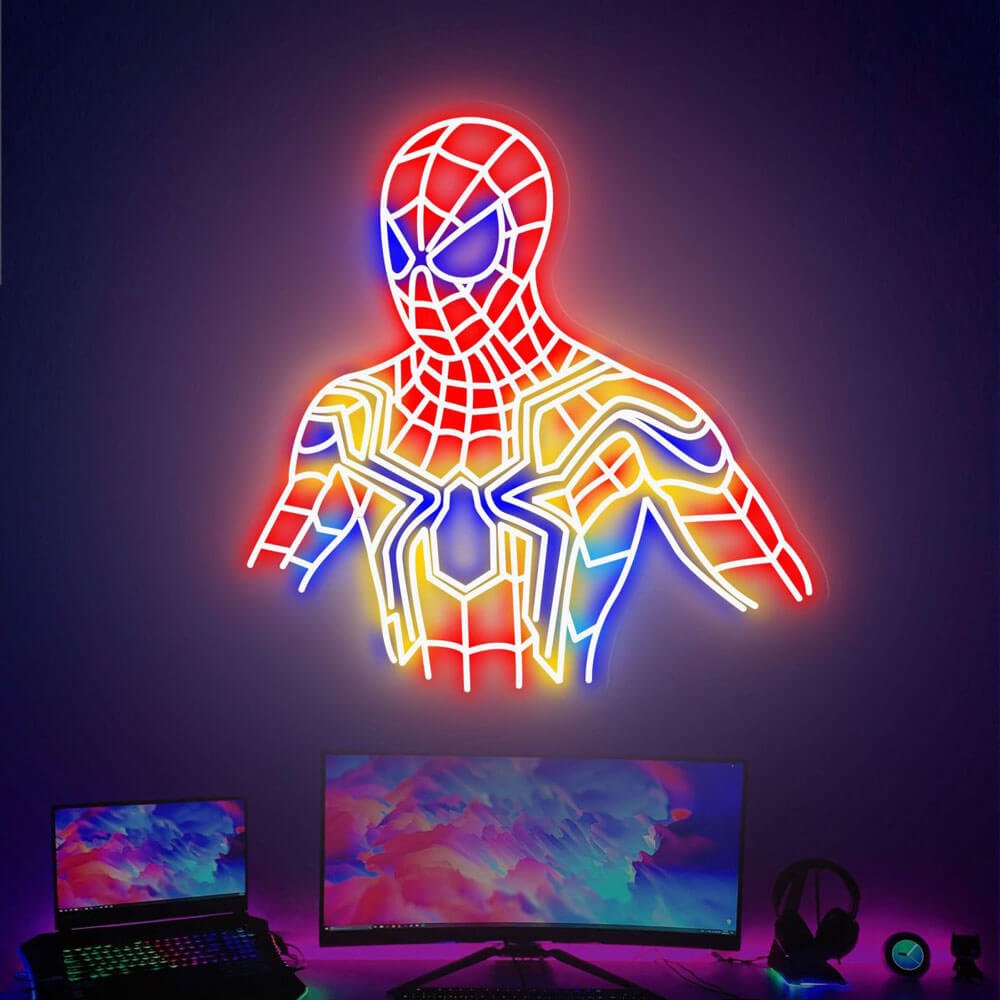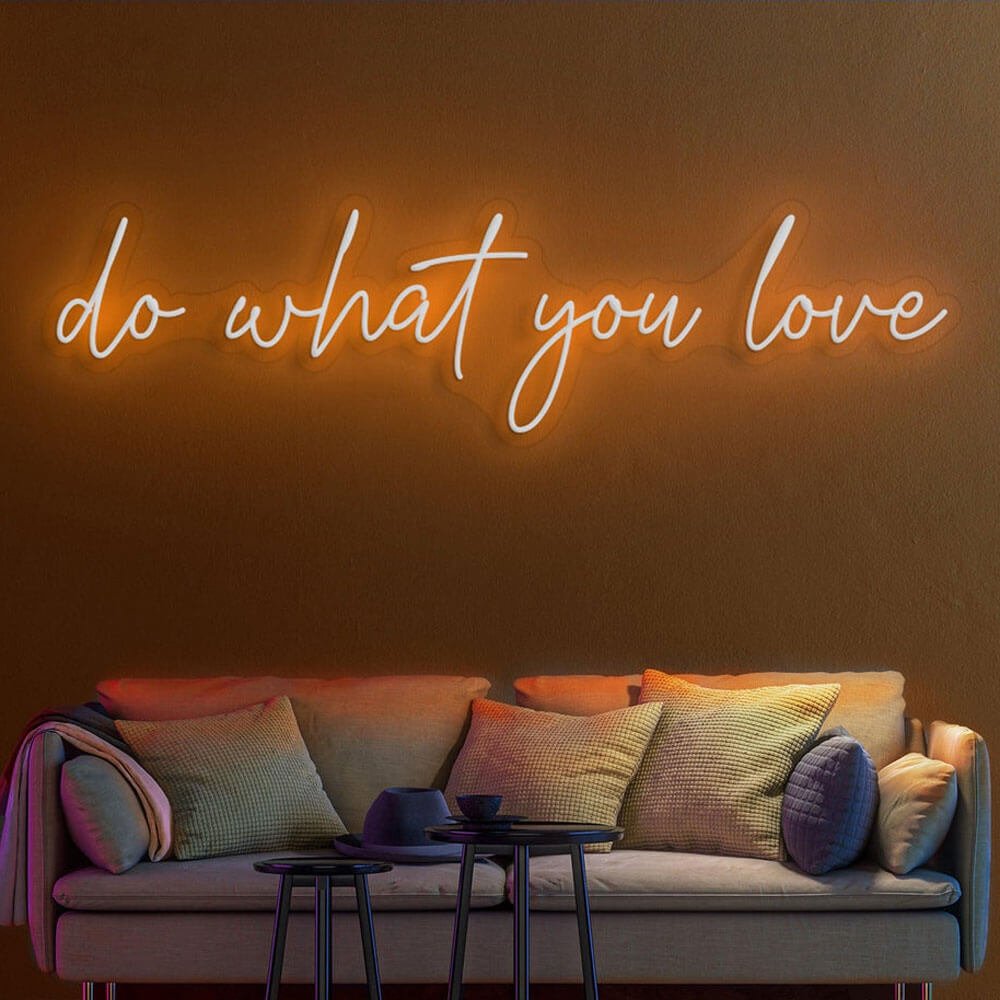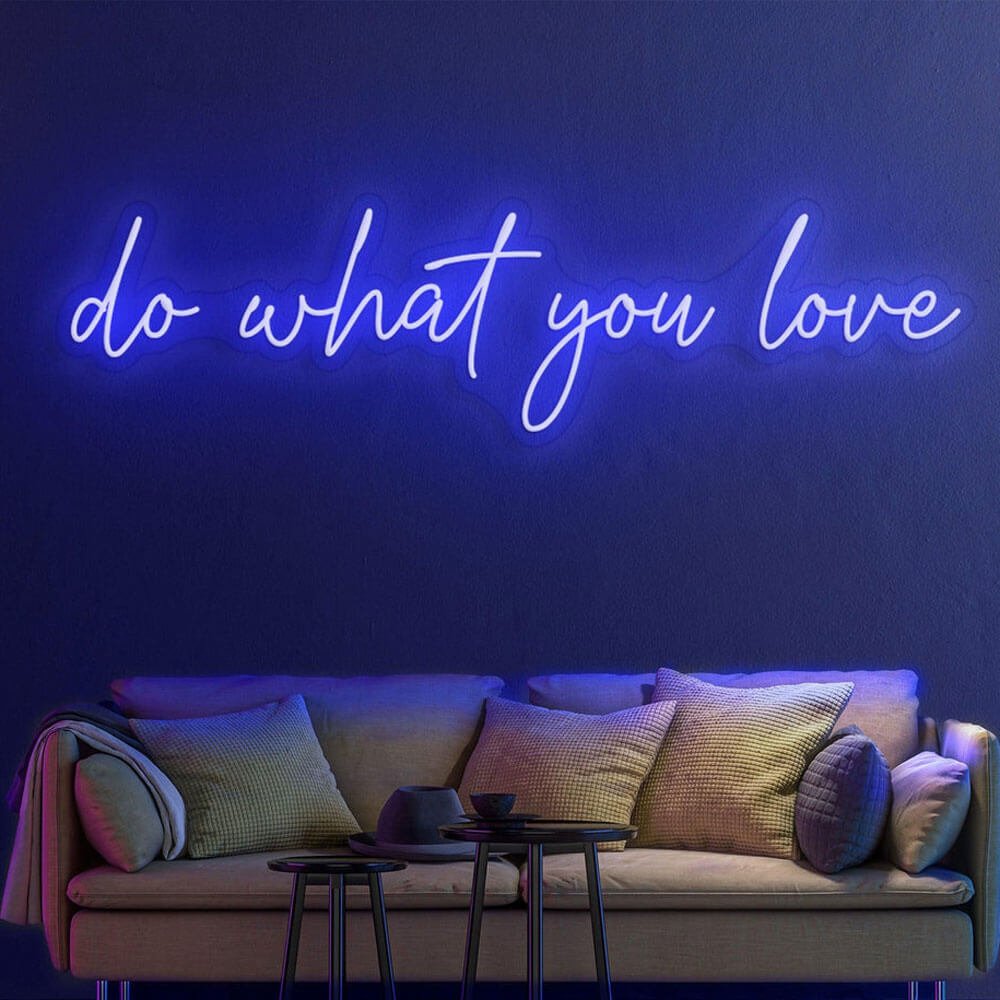
For Gaming Rooms & Stream Setups

Neon Signs for Gaming Room Setups

Light the room you escape to: classic gamer lettering, your player tag in any font, and stream-ready backdrops – low-heat LED that will not cook a marathon session.

Hero visual placeholder
4:3 · cyan game over sign glowing behind a battle station

Free design preview

See your player tag mocked up first.

Low heat, long sessions

Cool-running LED behind the desk.

Stream-ready glow

Backdrop lighting that flatters on camera.

Any phrase, any font

Custom text from tag to trash talk.

In-Stock & Custom

Gaming Room Sign Designs

From arcade classics to your own player tag – this section loads live designs from our game room range.

Product photo 4:3
game over letters

Game Over

Classic range · red

Product photo 4:3
gg wp letters

GG WP

Esports range · green

Product photo 4:3
level up letters

Level Up

Retro range · cyan

Product photo 4:3
player tag custom

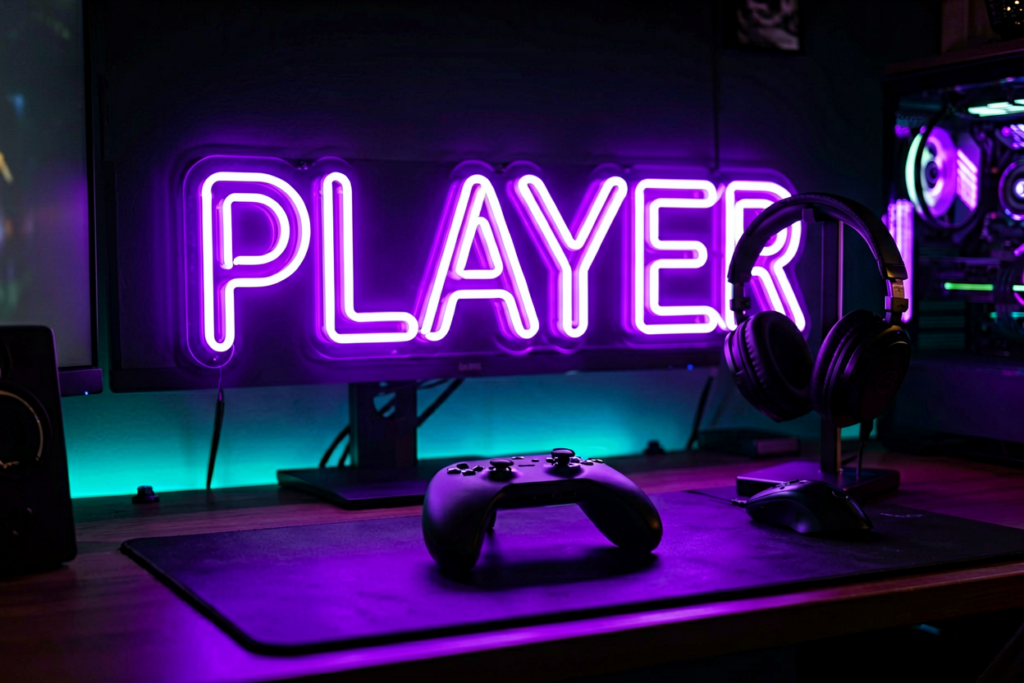
Your Player Tag

Custom build · free preview

Product photo 4:3
gamepad icon sign

Gamepad Icon

Icon sign · purple

Product photo 4:3
do not disturb sign

Do Not Disturb

Session sign · red

Product photo 4:3
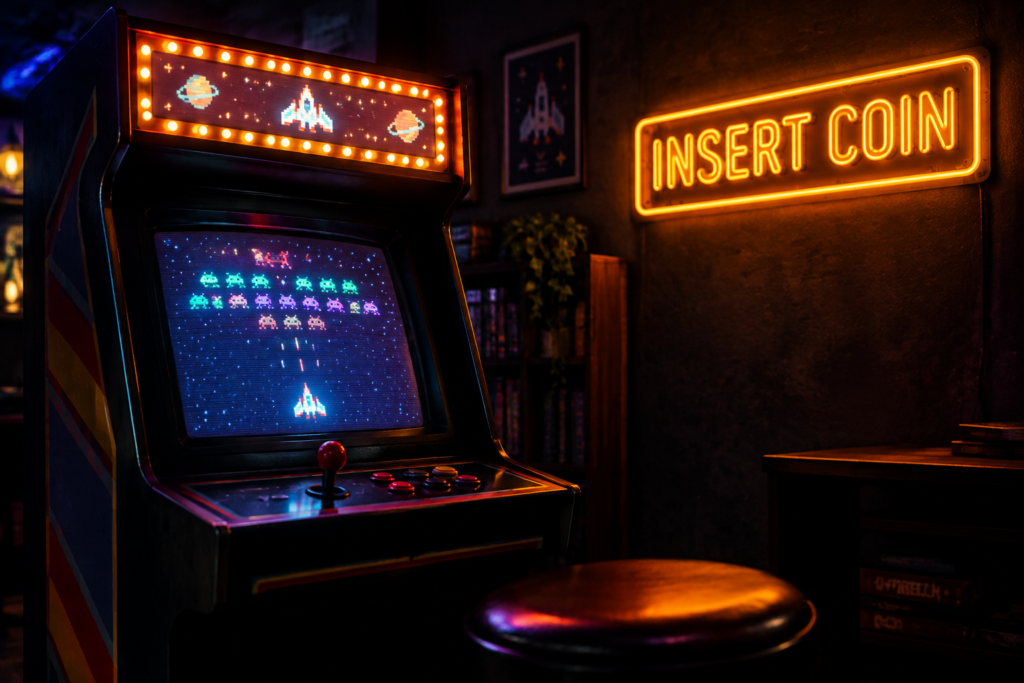
insert coin letters

Insert Coin

Arcade range · yellow

Product photo 4:3
1v1 me letters

1v1 Me

Banter range · orange

Product photo 4:3
pixel heart icon

Pixel Heart

Icon sign · pink

Product photo 4:3
respawn letters

Respawn

Retro range · ice blue

Buyer’s Guide

Gaming Room Neon Sign Ideas That Hold Up

A gaming room sign is set dressing for the room you spend whole evenings in. The right piece reads as part of the setup by day and gives the whole battle station a color grade by night. Here is how to pick wording, placement and glow – with ideas that survive next year’s meta.

Guide image 4:3
wording ideas wall: classic to custom

1 · Wording ideas that age well

Sort ideas by shelf life. The permanent shelf: game over, insert coin, level up, respawn – arcade language that has outlived four console generations. The personal shelf: your gamertag, your team name, your rank – custom wording that only gets more yours. The risky shelf: this year’s meme and this season’s title – funny for a season, wallpaper after. Build the wall from the first two shelves and the sign never needs explaining. A naming trick from esports orgs: put the team tag in the house color and the word beneath it in white – two-line builds read as pro branding on camera.

2 · Ideas by setup style

Match the sign to the rig. RGB battle stations want cyan, purple or green – colors that sit inside the same spectrum the fans and strips already run, so the sign reads as the glow source. Retro arcade corners want warm pixel language – insert coin in yellow, level up in red – against wood and CRT curves. Minimal black-and-white setups carry a single white or ice-blue word, nothing else. The sign finishes the theme; it should not start a second one. Racing rigs and flight sim pits want one extra step: match the sign’s color to the dominant in-game track lighting – the room and the game share a grade.

Guide image 4:3
setup styles: RGB desk, arcade corner, minimal

Guide image 4:3
sign placed behind monitor as bias light

3 · Bias lighting behind the monitor

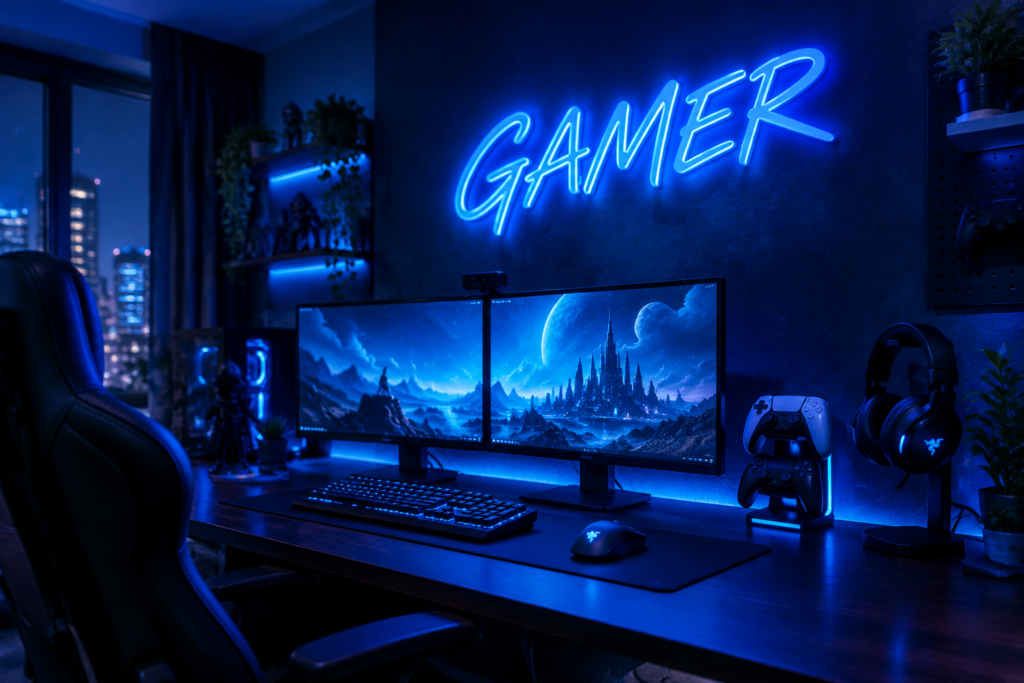
A sign behind the main display doubles as bias lighting – the soft backlight that keeps your pupils from working overtime in dark rooms. Place it off the screen’s reflection line (above and slightly behind the monitor arm, never facing the glass) and run it at low brightness during sessions. Your eyes get the comfort effect; your monitor gets no glare; the wall behind the battle station gets the look for free. Measure the glow against your monitor’s brightness setting at night – the sign should sit one or two steps dimmer than the screen, or the contrast fights your eyes.

4 · On camera: glow for streamers

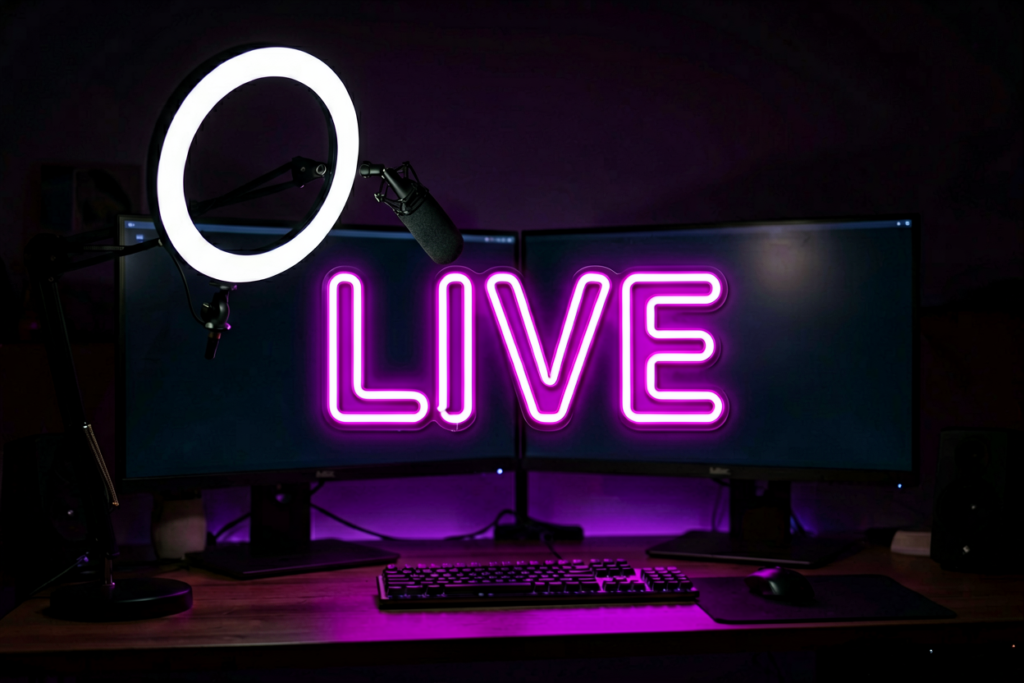
If the room is on camera, the sign works a second job as branding. Test it from the webcam before mounting: the piece should sit behind and to one side of your head, close enough to read, far enough to blur softly. Match the glow color to your overlay and avatar so the stream looks graded, and step the brightness until the letters read on the encoder without blowing out – a dimmer makes the camera and the room happy at once.

Guide image 4:3
streamer with sign backdrop on camera

Guide image 4:3
cyan and purple glow grading the room

5 · Color and the room’s grade

Gaming rooms live in blue-spectrum light already – screens, strips, fans – so cyan, ice blue and purple signs slide into that grade without a seam. Green belongs to the esports look and reads clean on camera. Warm colors (orange, amber) are the contrarian pick: against a cold room they pop twice as hard. Start from blue or green if the room already runs RGB. Streamer hygiene check: run the sign for a full session at your usual brightness before committing to a position – bloom that looks fine at 8 p.m. can haze a camera by midnight.

6 · Desk or wall: sizing the room

Scale to where the eyes actually sit. A single-desk setup with the wall two feet behind the monitor reads best with one short word or icon at 16–24 inches – bigger pieces swallow a small wall and reflect everywhere. Dedicated game rooms with a TV wall or dual battle stations carry 32–48 inch lettering. L-shaped desks earn the two-piece treatment: one word per leg of the L, matched color, staggered heights.

Guide image 4:3
small word on desk wall vs full-wall piece

Guide image 4:3
cable management with sign wiring

7 · Cables, controllers, chaos

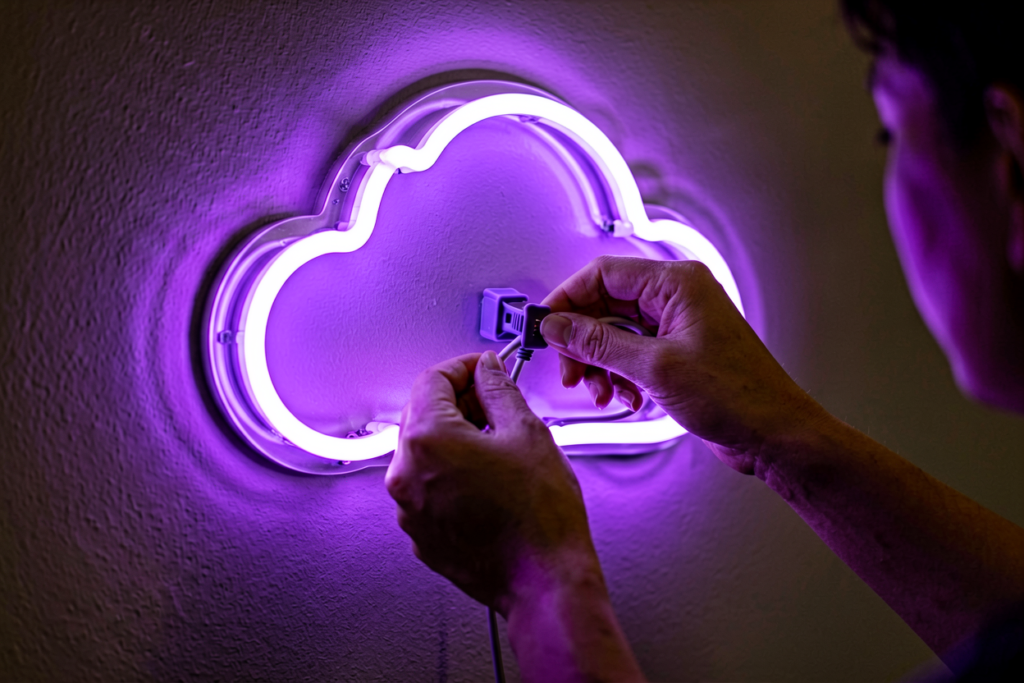
A gaming wall already fights a war with wires – plan the sign into the peace treaty. Route its power with the existing desk loom, drop the adapter behind the monitor arm, and tape the remote’s home spot to the desk edge. Keep the sign’s transformer away from the PC’s intake airflow, and if the room runs on one crowded power strip, give the sign its own outlet: low draw still deserves a clean circuit. Label the sign’s plug at the strip – the 2 a.m. cable shuffle behind a gaming desk has claimed many a session.

Pick wording that outlives the meta, match the glow to the rig, and put a dimmer on it before the first late night. Color-first shoppers can start from blue and purple – the two colors gaming rooms photograph best in. Test from the webcam before final mounting.

In the Wild

Gaming Signs on Real Battle Stations

Photo 4:3

alt: 电竞房青色 game over 牌与双屏桌面 RGB 同框

Photo 4:3

alt: 复古街机角黄色 insert coin 牌与摇杆机

Photo 4:3

alt: 紫色玩家 ID 定制牌在显示器侧墙上

Photo 4:3

alt: 直播背景墙紫色 gamepad 图标牌与麦克风

Photo 4:3

alt: 极简黑白装机绿白 GG 牌

Photo 4:3

alt: 卧室游戏角小型冰蓝 respawn 牌与耳机架

More Spaces

Neon Signs for Every Space

Game room handled – take the glow to the bedroom, the man cave, the gym.

FAQ

Gaming Room Sign FAQ

Q1 What should my gaming room sign say?

Choose from the shelf that never expires: arcade language (game over, insert coin, level up), your gamertag, or your team name. Skip this year’s meme – wording that needs explaining in a year was not worth the wall.

Q2 Will the glow reflect on my monitor?

Not if you place it off the reflection line: above and behind the monitor arm, never facing the glass. Run it low during sessions and it works as bias lighting – easier on the eyes, nothing on the screen.

Q3 Is a sign bright enough as stream lighting?

As an accent, yes; as a key light, no. Pair the sign with your main lamp, and dial its brightness until the letters read on the encoder without blooming – the remote dimmer exists exactly for this.

Q4 What size fits a desk setup?

One short word or icon at 16–24 inches for a single-desk wall; 32–48 inch lettering for dedicated game rooms with a TV wall. Bigger is not better on a small wall – it reflects and crowds.

Q5 Does the sign heat up during long sessions?

No – LED neon runs cool on low voltage, which is why it suits the hours-long sessions gaming rooms are built for. No hot glass, no warm smell, no cooldown.

Q6 Can I get my gamertag in neon?

Yes – type any tag into our customizer, pick font, size and color, and preview it free before it goes to production.

Keep Exploring

Where to Next

Build Your Own Gaming Sign

Your tag, your team, your phrase – preview the design free before it is made.

The room is built.
Now light the level.

Design a custom gaming sign in minutes – free preview, low-heat LED, stream-ready glow.