Blog
Smart Neon Signs: App and Voice Control
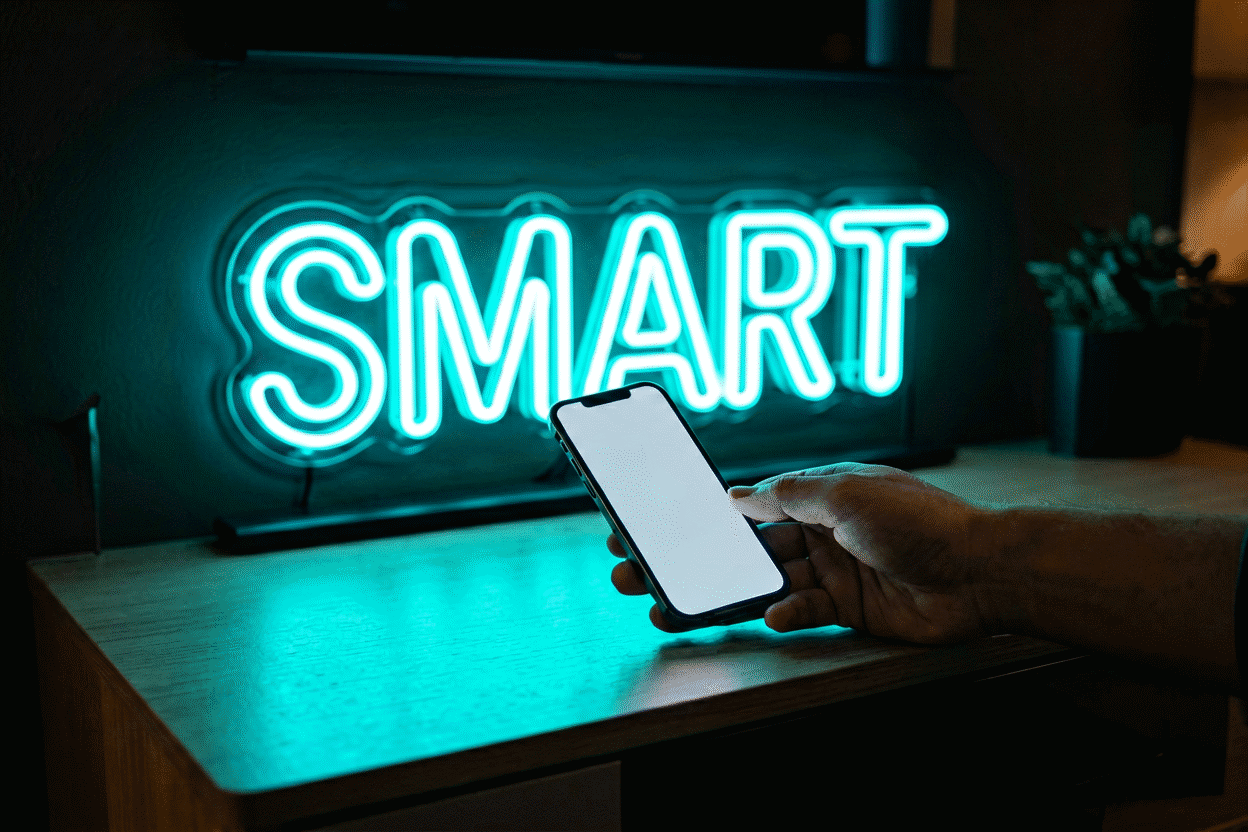
A smart neon sign is any sign whose control layer lives in your phone or voice assistant instead of (or alongside) its handheld remote — app-controlled brightness and color, schedules that dim the sign at bedtime, scenes that sync the glow to movie night, and voice commands when your hands are full. The smart layer stacks four ways, from native WiFi signs down to the $10 smart plug that makes any sign schedulable, and the honest guide separates what each tier actually delivers from what the marketing implies.
The physical-remote counterpart lives at the remote control guide; the dimming fundamentals at can neon signs be dimmed. This page is the connected layer on top.
The Four Tiers of Smart (Know Which You Have or Want)
Tier 1: The Smart Plug (Any Sign, $10–15)
The democratic entry: a WiFi smart plug on the sign’s outlet adds app on/off, schedules (“on at sunset, off at 11 pm”), and voice control to any sign — dimming stays on the sign’s own remote at whatever level you set.
What it genuinely solves: the forgetting-to-turn-off problem, the vacation-schedule security glow, and voice on/off. What it doesn’t: brightness and color control (analog controls stay analog — the plug is a switch, not a brain). For most home signs, Tier 1 plus the existing remote is 80% of the smart benefit at 10% of the complexity.
Tier 2: Bluetooth Signs (App-Near)
Bluetooth-native signs pair to their maker’s app in seconds and control everything — brightness, color, modes — while you’re in the same room-ish range.
Strengths: zero network setup, no router dependencies, instant pairing. Limits: control ends when you leave range (schedules live on the sign’s own controller on better models — check this spec; on cheaper ones, automations die with the connection). Tier 2 is the right simplicity for bedroom and desk signs that one person controls from nearby.
Tier 3: WiFi Signs (True Remote Control)
WiFi-native signs join your home network and become controllable from anywhere — the full tier: app brightness and color, cloud schedules, scenes, and (usually) voice-assistant integration.
The two setup notes that prevent 90% of the frustration:
- 2.4 GHz only — sign WiFi modules overwhelmingly don’t see 5 GHz networks, and dual-band routers that “unify” the bands still need the IoT device steered right. This single fact is the most common setup failure.
- Router changes break everything — new router, new SSID, or re-band-ed networks require re-onboarding the sign (the near-the-router dance, same as first setup). Post-move and post-upgrade re-pairing is normal, not a fault.
Tier 4: Platform-Native (HomeKit, Alexa, Google Home)
The signs built to appear natively in your assistant’s device list — or driven there through the maker’s skill/integration. Voice becomes a first-class control (“Alexa, set the bedroom sign to 20%”), and the sign joins whole-home scenes (“Movie Time” dims lights and glows the sign warm). The ecosystem questions to ask before buying: does the sign’s app expose HomeKit/Alexa/Google integration (it’s a spec, listed or absent), and does your household actually use the platform it supports?
What Smart Actually Buys You (The Five Automations)
The features, ranked by how much they get used in real households:
- The sunset-on, bedtime-dim schedule — sign warms up at dusk, drops to 15% at 10 pm, off at midnight (or not — the night-glow crowd keeps a 5% ember till morning). The single most appreciated automation in sign ownership; see the dimming guide for the settings logic.
- Scenes — two or three saved states (Full / Evening / Night) toggled with one tap. Scenes beat sliders because they get used; sliders get admired.
- Vacation presence — the sign cycling on evenings away is genuine home-security lighting with personality (warm interior glow reads “someone’s home” better than a lamp timer’s flat rhythm).
- Sync and group control — multi-sign walls (the gaming/battlestation crowd) run coordinated colors and fades; the color-changing guide covers what coordinated modes look like.
- Voice in the moment — “dim the bar sign” with full hands. Small convenience, genuinely pleasant, occasionally essential mid-party.
The Honest Limits
- Smart layers add failure modes: apps get abandoned by makers, cloud services sunset, WiFi hiccups. The sign itself keeps glowing through all of it — dumb hardware under a smart brain — but buy from makers whose apps have lived past version 2 (review histories tell this story plainly).
- Color sync with music/screens exists on some WiFi RGB signs — fun for content walls, imperfect everywhere (latency and color interpretation are approximate art). Treat as garnish, not pillar.
- No smart layer fixes bad placement: the automation tier sits above the fundamentals — right size (measurement), right color, right wall. Automating a wrong-sized sign just schedules the mistake.
Choosing the Right Tier
| Household | Tier | Why |
|---|---|---|
| “I just forget to turn it off” | Smart plug | $10 solves the actual problem |
| One bedroom sign, one owner | Bluetooth | Zero setup friction |
| Multi-room, multi-user, travelers | WiFi | Anywhere-control plus schedules |
| Smart-home enthusiasts | Platform-native | Scenes, presence, voice as first-class |
| Content creators | WiFi RGB | Group sync + mode control |
Setting Up Smart Neon Well
The 20-minute right way, distilled:
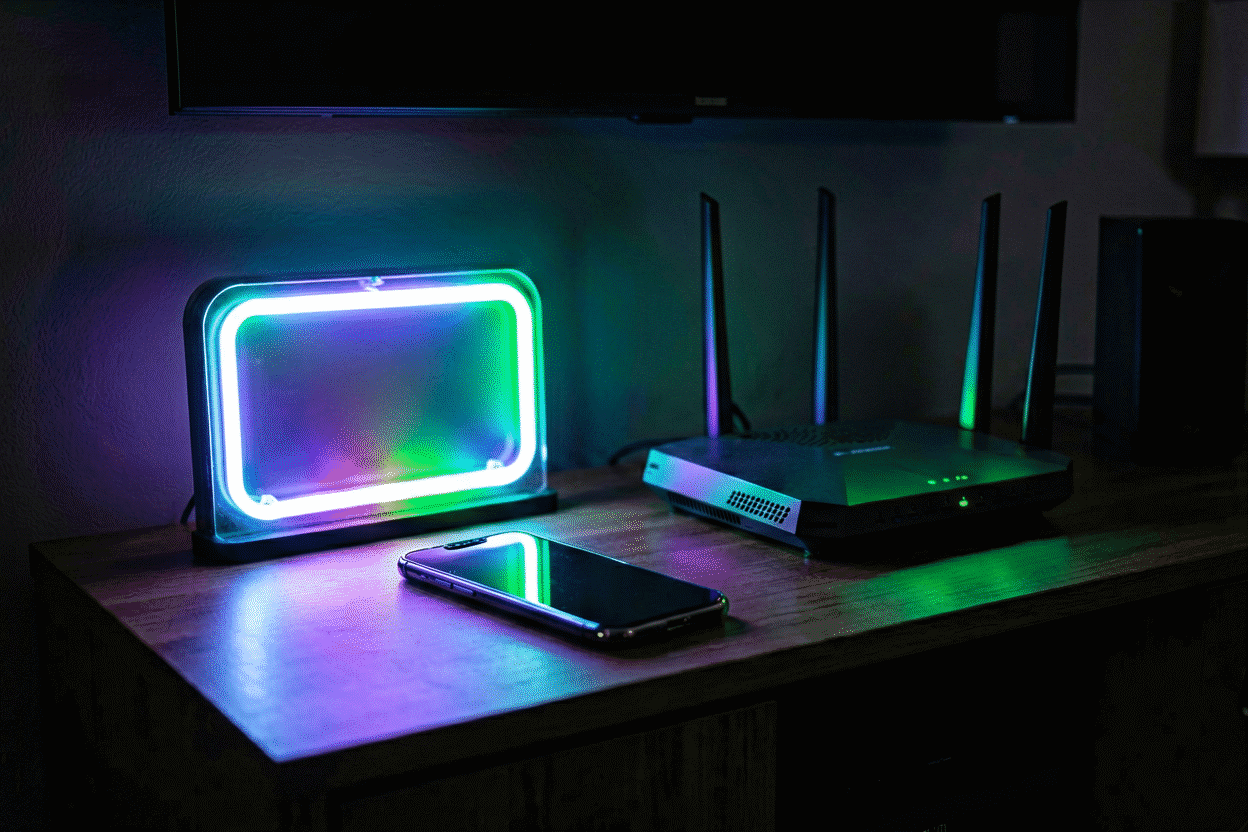
- Onboard near the router (WiFi signs), on 2.4 GHz, with the sign powered through its own adapter — not through a strip’s switchable half.
- Name it by location, not by product (“Bedroom Sign” beats “LED-Flex-A12”) — voice commands and app lists both live on names.
- Build two scenes immediately (Day full, Night warm-dim) and one schedule — the setup that gets used is the setup that’s finished same-day.
- Add the voice integration while the app’s open — the step everyone postpones and everyone eventually wants.
- Photograph the working setup (app screens, schedule times) — the restore reference after router changes and app reinstalls.
Design the Smart In
Smart control is an order-time option on custom builds: WiFi and Bluetooth control layers, RGB with app color wheels, dimming integrated — configured in the custom sign builder alongside your text, size, and color. The smartest sign is still, first, the right sign: your words, your glow, on your wall — with the intelligence layered in from day one instead of bolted on after.
Smart Setups: Three Households, Automated
The smart tier as it actually deployed:
The schedulers. A bedroom sign joined the household’s evening routine: sunset-on via the app’s astronomical clock, 10 pm drop to 12%, off at midnight on weekdays (later weekends — the schedule’s fine print). The automation’s unexpected value surfaced in week two: the sign’s evening dim became the household’s ambient cue — the room’s other lighting now follows the sign’s rhythm by habit rather than automation, the glow teaching the wind-down (the sleep-compatible logic). One WiFi hiccup in six months, resolved by the router-reboot ritual (the setup notes).
The scene-builders. A living-room wall running three signs (wordmark, icon, phrase) with a scene architecture: “Day” (all full), “Evening” (wordmark 25%, others off), “Movie” (icon only at 10% — the bias-light role), and “Party” (RGB phrase cycling, others at 60). The scenes took one evening to build and have run unchanged for a year — the stability being the point: scene architectures converge fast because households have fewer lighting moods than they imagine (the scene method). The household’s report: “We live on Evening. The others are for guests, which is also what they’re for.”
The travelers. The away-from-home tier: a sign that greets the household’s returns and simulates presence during trips — on at dusk, off at the household’s typical bedtime, randomized ten minutes so the pattern reads human (the security layer). The feature that earned its keep beyond expectations: the app’s “check the sign” camera-corner glance during a work trip — the room’s glow confirming itself from another timezone. The household’s upgrade path after a year: adding the second sign to the presence scene, the porch piece joining the interior choreography.
The smart tier’s honest ledger across all three households: setup friction concentrated entirely in the first day (2.4 GHz dance, naming, scene-building — the setup routine), then near-zero maintenance; the automations that survived were the boring ones (schedules, two scenes, presence) rather than the flashy ones (music sync tried by two households, retired by both); and every household kept a non-smart control path — the remote in the drawer, the plug’s switch — as the fallback that made the smart layer trustworthy rather than load-bearing.
The tier’s summary verdict from its own users: smart control didn’t change what the signs do; it changed who does it — the signs now manage themselves along the household’s existing rhythms, which is exactly what automation should feel like (and nothing more).
FAQ: Smart Neon Signs
What is a smart neon sign? A sign with app or voice control — WiFi or Bluetooth connectivity driving brightness, color, schedules, and scenes from your phone or assistant. A $10 smart plug adds on/off scheduling and voice to any non-smart sign.
Can I control a neon sign with Alexa or Google Home? Yes, three ways: native platform integration on smart signs (check the app’s integrations spec), the maker’s Alexa/Google skill on WiFi models, or a smart plug for voice on/off on any sign (“dim the sign” needs the sign’s own smart dimming, not a plug).
Do smart neon signs need WiFi? WiFi signs do for anywhere-control and cloud schedules; Bluetooth signs don’t (app control works nearby); and smart plugs need WiFi only for their scheduling. The sign itself always works manually regardless of network state.
Why won’t my smart neon sign connect? Almost always the 2.4 GHz issue — sign modules don’t see 5 GHz networks. Onboard near the router on 2.4 GHz, and re-onboard after any router or network-name change.
Can I automate my neon sign to turn on at sunset? Yes — smart plugs and smart signs both schedule on/off against local sunset times, and smart signs add brightness schedules (full at dusk, 15% at bedtime). It’s the most-used automation in sign ownership.
Can multiple neon signs sync together? Yes on WiFi RGB groups in their apps — coordinated colors, fades, and mode changes across a multi-sign wall or multiple rooms. The color-and-mode layer is covered in the color-changing guide.
The Smart Decision, Resolved
The tier conversation ends in three questions. Does the sign’s schedule matter more than its switch? — then the $10 smart plug delivers the automation core (on/off/sunset — Tier 1). Does control need to reach brightness and color? — then Bluetooth serves the single-room case and WiFi the anywhere-case (Tiers 2–3). And does the household live in an assistant ecosystem with scenes? — then platform-native integration is the finishing layer (Tier 4). Two honest closing notes from the tier files: buy smart features from makers whose apps have version history (abandonware is the tier’s real risk), and keep one dumb path — the remote, the plug switch — as the fallback that makes the smart layer optional rather than load-bearing. Automation should remove friction, not add a failure mode: the smartest sign setups are the ones you’d barely notice were smart, running their schedules quietly behind the glow.
Sources & Further Reading
- Neon sign (Wikipedia) — the consolidated public record of neon-sign history and technology.
- Neon, element 10 (Wikipedia) — element properties: density, boiling point, abundance.
Pricing based on CustomNeon’s current catalog (2026); custom quotes come live from the sign builder.