Blog
26 Gaming Room Setup Ideas With Neon Leading
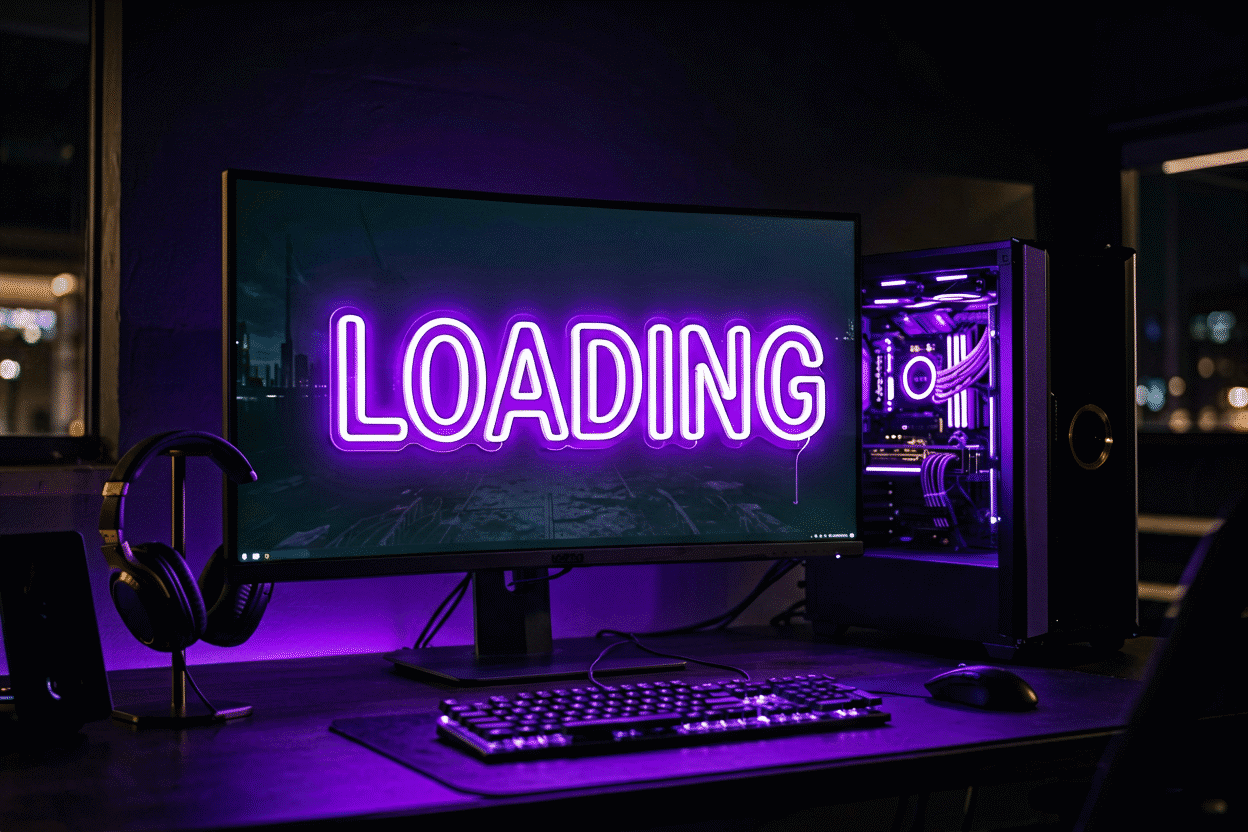
A gaming room is built in layers: the machine layer (desk, monitor, chair), the comfort layer (sound, seating, snacks), and the identity layer — the part that makes the room yours instead of a showroom’s. Neon is the identity layer’s flagship. It sets the mood the GPU can’t, carries the room’s theme after sundown, and turns every session’s background into something the chat recognizes on sight.
Here are 26 setup ideas organized the way a room actually gets built — the core desk setup first, then the theme systems, the stream tier, and the light engineering that ties it together. The sign shopping tier lives at gaming room neon signs, and the piece-level canon lives in the sign ideas guide.
The Core Setup: Ideas 1–8
- The gamer tag in neon — your handle, your font, your color; the room’s login screen. Every tag previews free in the customizer.
- A controller shape behind the monitor — the zero-word gamer piece; centers the wall while the screens take the foreground.
- “Game On” — the status piece: on-air logic for the household, so nobody interrupts a ranked match thinking it’s email.
- The RGB-matched neon — match your sign color to your keyboard’s default profile; the room reads as one system instead of two purchases.
- A “Do Not Disturb” door piece — the loadout’s real MVP; door-side mounting, session-activated.
- Your main’s logo or icon — the character piece; the anime tier covers the franchise builds.
- A lightning-bolt pair flanking the monitor — the classic energy composition; two small bolts beat one big busy piece behind a screen.
- “AFK” — the two-letter status piece; the joke tier that guests actually understand.
The Color Systems: Ideas 9–15
- The blue setup — ice blue is gaming’s native register: it reads tech, flatters dark rooms, and keeps monitors the brightest thing on the wall.
- The green room — matrix green for the hacker-classic build; strongest against black furniture.
- The purple setup — purple carries the Twitch era: creative on full, moody at 30%, and the best background color for face cams.
- Red accent tier — red for the aggression build: ranked-energy in sign form, and the reason every esports arena has at least one red wall.
- The dual-tone system — one cool piece (blue or purple) plus one warm accent (red or orange): the contrast composition that keeps a dark room from going flat.
- The white-on-white build — warm white neon on white walls for the clean-stream aesthetic; the minimalism tier that photographs best in daylight.
- The rainbow piece — the all-in: one multi-color sign carrying the whole RGB identity, for rooms that refuse to choose.
The Stream & Content Tier: Ideas 16–20
- The “Live” piece — the stream tier’s signature: a neon “ON AIR” or “LIVE” wired to your go-live switch; the full system lives in the streamer guide.
- The background shelf glow — neon strips behind a shelf of figures and cartridges; the depth trick that makes a 2D wall read 3D on camera.
- The logo wall — your channel’s name or logo in neon at desk-off-center (behind your shoulder in frame, not behind your head); the composition every successful stream room converges on.
- The follower-count milestone piece — “10K” glowing on the wall: the trophy tier that updates (and re-gifts itself) each milestone.
- The dual-room split — gaming side cool, content side warm: one room, two zones, and the neon does the zoning.

The Room Engineering: Ideas 21–26
- The bias-lighting position — a neon piece set behind the monitor array reduces eye strain in long sessions and looks intentional doing it; the glow does medical work.
- The cable-clean wall — neon cords routed with the desk cables in one channel; the hanging guide covers the cord-clip system that keeps the wall photographable.
- The dimmer tier — full for daytime sessions, 40% for horror games, 20% for the post-session wind-down; one dial, three moods, pennies a month (the math).
- The reflection check — mount neon where it doesn’t glare in the monitor: off-angle from the seating position, behind or beside, never opposite a matte screen at eye level.
- The accent-wall anchor — one wall gets the big piece, the other three stay dark; the single-anchor rule that separates designed rooms from decorated ones.
- The smart-plug ritual — the whole room’s glow on one tap: sign on, lamp low, headset up. The session has a start button now.
Placement and Light Discipline
The gaming room’s core tension is screen-versus-glow: the neon must light the room without competing with the monitor. The working rules: behind the seating position (the wall the camera sees, the eyes don’t), or behind-and-above the monitor array at a 30-degree offset; never directly opposite the screen; never in the monitor’s matte reflection band. Brightness runs at 50–70% for session glow, full only when the room photographs.

Color follows the room’s hours: the cool registers (blue, purple, green) carry night sessions and flatter the darkness the genre wants; warm accents keep the room human after midnight. The setup color guides cover each system in depth — blue for tech, purple for stream, green for classic, red for ranked. And the piece count stays low on purpose: behind the monitor wants one focal piece (controller, bolt, or tag), the camera wall wants two to three, and the door gets the status tier. More than that, and the room’s theme stops reading and starts humming.
The Integration Engineering: Power, Cables, Reflection
The gaming room’s neon lives or dies on its integration with the setup, and the integration runs three systems.
The power topology. The gaming room already runs the house’s densest outlet load – the tower, the monitors, the audio, the network – and the neon joins it as the cheapest citizen (the math: the whole glow layer draws less than one accessory fan). The discipline is the surge protector’s slot management: the neon pieces share the protected strip, the power supplies sit in open air (not behind the desk’s cable tray, where the heat compounds), and the smart-plug ritual (sign on, lamp low, headset up) makes the session’s start a single tap.
The cable channel. The gaming room’s aesthetic dies at the visible cord, and the neon cord is the longest in the room. The working system: the cord channel behind the desk’s rear (shared with the monitor arms’ runs), the wall pieces’ cords dropping inside the channel to the strip, and the hanging guide’s clip systems keeping the vertical runs flush. The room that channels reads setup; the room that doesn’t reads extension-cord chess.
The reflection geometry. The gaming room’s three reflective surfaces – the matte monitors, the glossy desk, the glasses – each have a neon-exclusion zone. The monitors want the glow off their face (behind the seating or high-offset behind the array); the desk wants the pieces above the sightline’s specular band; the glasses want the brand pieces at the shoulder, not the temple. The audit is ten minutes with the camera phone at seated position – and it saves the re-mount that follows the first month of glare.
The Setup Budgets by Ambition
The corner setup ($80-200): the gamer tag (the identity piece, non-negotiable first), the bias-glow strip (the functional piece), one status piece door-side – the corner that reads intentional rather than decorated. The room setup ($200-500): the two-wall system (identity wall + glow wall), the RGB-matched accent, the shelf-back depth tier – the room that photographs. The flagship ($500-1,200): the full composition (tag, brand tier, milestone counter, the dual-zone temperature system) – the stream room or the content corner, where the streamer guide’s composition rules take over.
The one purchase that outperforms every tier: the dimmer. The gaming room’s brightness protocol (60-70% session, 40% horror, 20% wind-down) is the difference between the room that glows and the room that glares – the ten-dollar dial that every tier upgrades.
Variations and Pairings
The setup canon’s variants. The word-face variants: “gaming room setup ideas,” “neon gaming setup,” and “gamer room decor” serve the tier; the room face (the produced canon) carries the piece range, the identity face (the gamers’ guide) carries the demographic. The crossover faces: the stream setup runs the streamer canon; the content studio runs the podcast system; the aesthetic face runs the room systems.
The pairing logic: the setup pairs the identity (the tag) with the engineering (the bias glow) – the who and the how on separate walls. The pairings that work run the two-wall system (the placement logic above); the pairings that fail run the single-wall pile, the identity and the glow competing for the monitor’s reflection band.
The upgrade pairing: the setup’s upgrades pair with the hardware cycle – the new monitor earning the bias-glow refresh, the new GPU earning the RGB anchor – the sign program tracking the rig’s generations (the budget tiers above).
FAQ About Gaming Room Neon
What’s the best neon sign for a gaming setup? The gamer tag. It’s the room’s identity in one piece, matches any theme you’ll ever run, and — unlike the character pieces — never expires when the meta does. Preview yours free at the customizer.
Does neon look good on camera? It’s the best background layer there is: neon reads vivid at low brightness, gives the frame color depth, and hides wall clutter behind glow. Run it at 60–70% and keep it off the screen’s reflection band.
Where should the sign go — behind me or behind the monitor? Behind you (the camera wall) if you stream or video call; behind the monitor only as a high offset piece. The streamer placement tier covers the full composition.
Will neon mess with my game performance or eyes? No — but placement can mess with comfort. Keep the glow off the monitor’s face, use the bias-light position for long sessions, and dim for wind-downs; the room stays cinematic and the eyes stay fresh.
How do I stop my neon sign from reflecting in my monitor? Placement physics: the glow goes behind the seating position (the camera wall) or behind-and-above the monitor at a thirty-degree offset – never directly opposite the screen (the two-wall system above). The audit: sit in the gaming chair, phone-camera the monitor’s face, and look for the ghost – the reflection band shows exactly where the piece cannot live. The six-inch shift fixes what the full re-mount wouldn’t; the brightness at fifty-to-seventy percent (the session band) keeps the remaining ambient glow soft enough that even the edge reflections read as atmosphere rather than glare.
What size neon sign fits a gaming desk setup? The desk-setup pieces run compact: the tag or controller piece at 18-24 inches (behind the monitor’s offset band), the status pieces at 12-18 (door-side), and the glow layer as strips rather than pieces (the sizing chart scaled to the desk). The full-wall setups (the dedicated rooms) carry the bigger pieces – the 36-inch anchor on the camera wall – but the desk-corner setup’s physics reward restraint: the monitor owns the visual field, and the neon’s job is the field’s edges. The desk setup that runs one right-sized piece plus the bias glow reads more designed than the desk surrounded by five small ones.
Sources & Further Reading
- Neon sign (Wikipedia) — the consolidated public record of neon-sign history and technology.
- Neon, element 10 (Wikipedia) — element properties: density, boiling point, abundance.
Pricing based on CustomNeon’s current catalog (2026); custom quotes come live from the sign builder.