Can Neon Signs Be Dimmed? Yes – Here’s How
Yes — LED neon signs dim beautifully. Nearly every quality LED sign supports dimming out of the box (via included remote, app, or controller), dimming smoothly from full brightness down to a night-glow ember without color shift or flicker. Glass neon can also be dimmed, but it’s a different discipline: it needs transformer-compatible dimming hardware, dims less gracefully at the extremes, and is generally left to sign professionals. For the LED signs everyone actually buys today, dimming is a built-in feature, not an add-on.
Why you’d care: the bedroom-brightness problem (“too bright at night”), the evening-bar mood shift, the content-creation glare fix — dimming solves all three, and it’s the single most-used feature after on/off. Here’s what’s possible, how it works, and the edges where each technology stops cooperating. The hands-on setup and troubleshooting walkthrough lives at how to dim a neon sign.
What “Dimmable” Means on an LED Sign
The spec to look for when buying is simply dimmable or brightness control in the listing — it’s near-universal on quality custom LED signs and it works through one of three mechanisms:
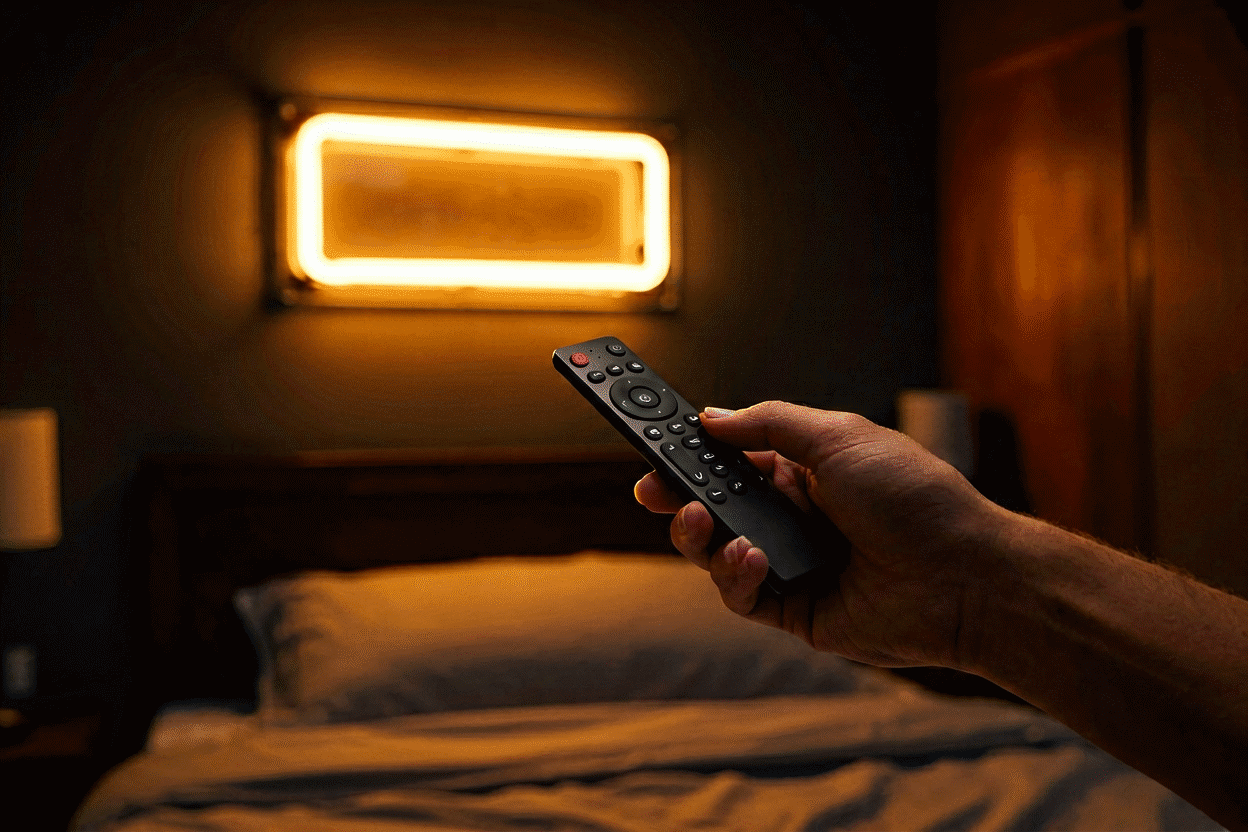
- Included IR/RF remote: the standard. A small handset controls brightness (and often color modes on RGB signs) from across the room. Our remote control guide covers pairing and the button map.
- In-line controller: a wheel or button pod on the cord itself — the simplest mechanism, common on smaller signs, zero pairing required.
- App/Bluetooth/WiFi control: brightness plus scheduling and scene presets from your phone — the smart-home tier, covered in our smart sign guide.
What’s happening inside is PWM — pulse-width modulation: the driver switches the LEDs on and off faster than the eye can see, and the ratio of on-time to off-time is the brightness you perceive. Two consequences worth knowing: no color shift at low brightness (a pink at 10% is the same pink, just quieter — unlike incandescent lamps that turn orange when dimmed), and no wasted energy (a sign at 30% draws roughly 30% power — dimming is also thrift).
The Brightness Range, Honestly
Quality LED neon dims across roughly a 5%–100% range. What that means in room terms:
| Setting | Reads as | Use |
|---|---|---|
| 100% | Full sign-glow, lights the wall | Daytime, shops, photos |
| 60–70% | Standard evening display | Living rooms, bars at dusk |
| 25–40% | Ambient glow, still very legible | Bedrooms pre-sleep, dining |
| 5–15% | Night-light ember | Sleep, late-night sessions |
The “too bright for the bedroom” complaint is almost always a sign running at 100% that nobody ever showed the dimmer to. At 15%, even a large white sign sits softer than a conventional nightlight — the bedroom guide maps the night-level settings people actually end up using.
Glass Neon: Dimmable With an Asterisk
Real glass neon dims through its transformer, and the compatibility question is the whole game:
- Electronic neon transformers designed as dimmable pair with compatible dimmers — the modern path, specified together.
- Older iron-core transformers and standard wall dimmers fight each other: flickering, buzzing, uneven tube glow, and shortened transformer life. This combination is the “neon can’t be dimmed” folklore’s origin, and it was true for a hardware generation.
- The extremes misbehave: below a floor brightness, tubes flicker or develop dark ends (the gas needs a minimum current density); glass neon’s usable range is narrower than LED’s 5–100%.
Practical guidance: if you own glass neon and want dimming, involve the sign professional who services it — matching dimmer to transformer is electrical work, not decor shopping. If you’re choosing a sign today and dimming matters (bedroom, restaurant, bar), LED’s dimmer-native design is one of its quietest structural advantages over glass — the full technology comparison lives in our LED vs glass guide.
RGB and Color-Changing Signs: Brightness Is Separate From Color
On color-changing (RGB/RGBW) signs, brightness and hue are independent axes — you dim a color without changing it. The practical notes:
- Mixed colors read dimmer than pure channels: 100% red is brighter to the eye than 100% “purple” (red+blue sharing output). Set brightness by eye on the actual color you use, not on white.
- Color modes and brightness levels are both remote-controlled — the color-changing guide covers the mode logic (static, fade, strobe) and which modes respect the dimmer.
- Strobe/flash modes ignore brightness by design — they’re peak-output modes. In bedrooms, they’re an alarm clock, not decor.
Five Dimming Scenarios and Their Settings
The bedroom sign. Warm color (red/amber/warm white), set to 15–25% at night via remote or scheduled in an app. If it still reads bright, the fix is placement distance (see the bedroom placement guide) before hardware.
The home bar. 70% at dusk when the room lights are on, 30% after midnight — the two-setting rhythm bars actually live on. A smart plug adds the schedule for free.
The content wall. Dim to 60–70% on camera — full brightness blooms and swallows detail in phone cameras; slightly dimmer signs photograph with more color depth and cleaner edges.
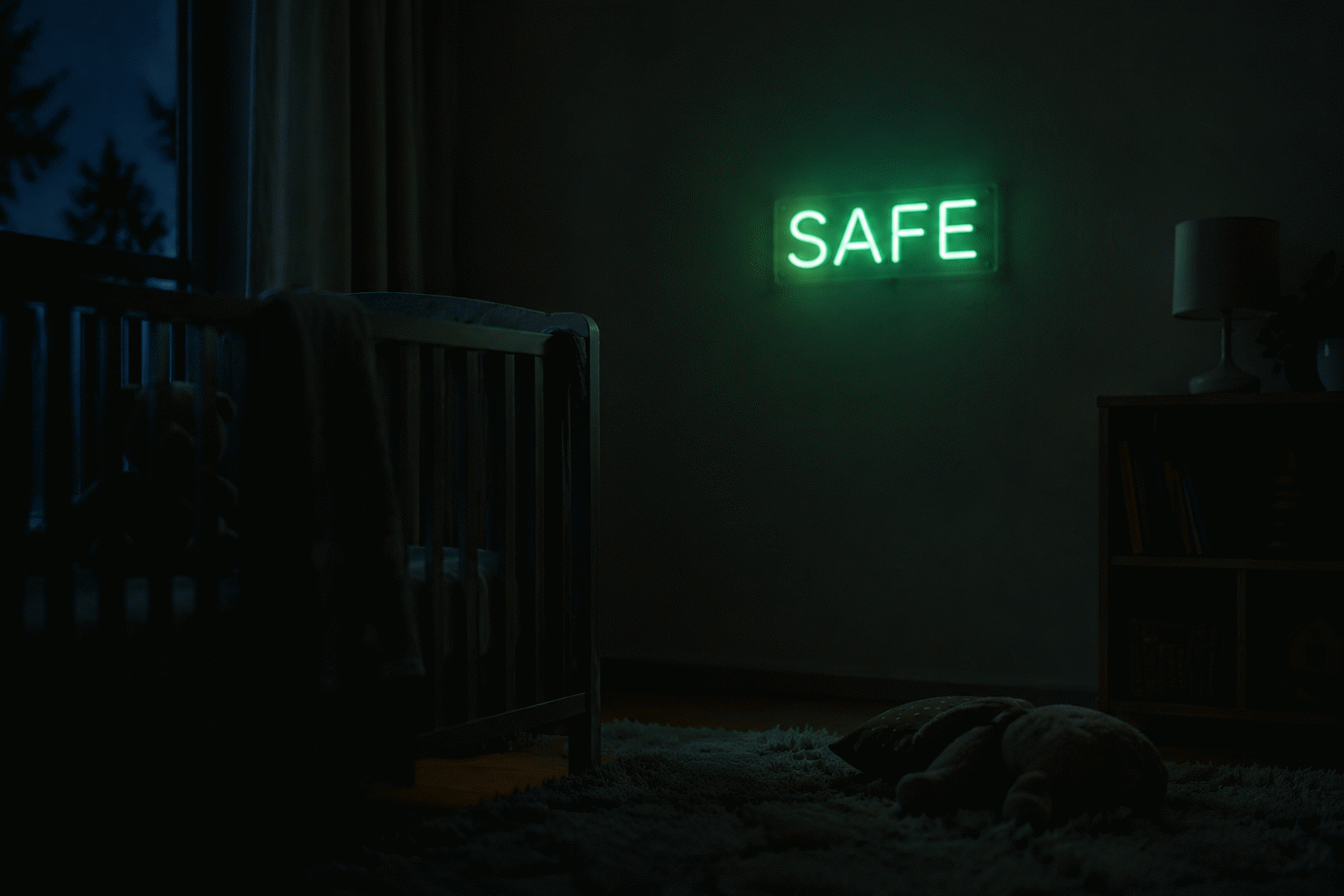
The nursery. Dimmable warm-white at 10% is the modern nightlight: enough glow to navigate, nothing that wakes anybody. Pair with a schedule and it dims itself at bedtime.
The storefront. Full brightness by day, and — the underused move — a warm 50% for evening hours when the street darkens: the sign stops competing with headlights and starts complementing the block.
The Two Things That Go Wrong (and Both Are Simple)
- “My sign has no dimmer.” Some entry-level mono-color signs ship without any controller. Fix: an in-line LED dimmer on the low-voltage side (a $10–20 part matched to your sign’s voltage) — install between driver and sign, per our dimming how-to. Never put a household AC dimmer on the mains side.
- “It flickers at low settings.” Either the dimmer isn’t matched to the driver (see the how-to’s compatibility section) or the setting has gone below the driver’s floor — raise brightness a step. Flicker is a compatibility message, not a defect.
Buy Dimming Once
Every custom sign in the builder offers dimming and remote control as a design-time option — adding it at order costs less than retrofitting an in-line dimmer later, and it comes integrated with the sign’s own driver (no compatibility questions at all). For anything headed to a bedroom, bar, or content wall, it’s the option that gets used every single day.
Dimming Profiles: Five Real Setups
How actual owners configure brightness — the profiles that work in practice:
The bedroom couple (disagreement resolved). One partner wanted full glow, the other total darkness. The settled profile: 60% for evening wind-down (both happy), auto-drop to 10% at 11 pm via the app schedule (the automation layer), warm-amber color year-round. The insight from their adjustment period: they initially fought about on/off when the actual variable was the 30% range between — once the schedule owned the late-night floor, the argument dissolved. Most “too bright” disputes are scheduling problems wearing brightness costumes.
The bar’s two-setting rhythm. A home bar running 70% while the room lights are up (pre-9 pm, social hours), then 30% as the room dims and the evening matures — manually run the first month, then the smart plug learned the pattern and automated it. The counterintuitive detail they found: the sign photographs best at the 30% setting (camera behavior) — full brightness blooms on phone sensors, so the “better looking” setting turned out to be the economical one too.
The nursery’s three-stage night. Bedtime routine at 40% (bright enough for stories), post-sleep 8% (the monitoring glow), and morning off. All three on scheduled automation, with a physical remote in the parents’ drawer for overrides. The 8% level — deep into the dim range — turned out to be the nursery’s real nightlight: enough to navigate a 3 am check, soft enough that it never woke anyone (the sleep-compatibility logic).
The content creator’s camera lock. A streaming setup that lives at exactly 65% — found by photographing the frame at every 5% step and choosing where letter edges stayed crisp without blooming (the photography method). The sign’s remote now lives taped behind the monitor; nobody touches it. The lesson: for camera-facing signs, dimming isn’t mood management, it’s optical calibration.
The storefront’s code-driven curve. A shop whose municipal sign code caps evening illumination (the regulatory layer): 100% through business hours, 50% from dusk to closing, dark overnight per ordinance. What began as compliance became identity — the evening half-brightness is the block’s most photographed window, because the dimmed glow complements the street instead of competing with it.
The pattern across all five: nobody’s best setting is 100% all the time. Dimming converts a sign from always-the-same to situational — and in every profile above, the dimmed state is the loved one.
FAQ: Dimming Neon Signs
Can neon signs be dimmed? Yes. LED neon signs are dimmable across roughly 5–100% brightness, usually via included remote or app with no color shift and proportionally lower power draw. Glass neon requires transformer-compatible dimming hardware and professional matching.
Can you dim a neon sign that didn’t come with a dimmer? Yes, for LED signs: add an in-line LED dimmer on the low-voltage side between the driver and sign, matched to the sign’s voltage. Never use a household AC wall dimmer on the adapter’s mains side.
Why is my neon sign too bright for my bedroom? It’s running at 100%. Dim to 15–25% with the remote (or app schedule) and switch to warm colors for night — a dimmed warm sign sits below a conventional nightlight’s output.
Does dimming an LED neon sign change its color? No — LED dimming uses pulse-width modulation, which keeps the exact hue at every brightness level. Unlike incandescent dimming, a pink at 10% is the same pink, just quieter.
Do dimmed neon signs use less electricity? Yes, roughly proportionally — a PWM-dimmed sign at 30% draws about 30% of full power. Dimming is both a mood feature and a thrift feature.
Why does my glass neon flicker when dimmed? The dimmer and transformer aren’t matched, or the brightness has dropped below the tube’s minimum current — glass neon has a narrower dimming floor than LED. Use a transformer-compatible dimmer and stay above the flicker threshold.
Why does my dimmed neon sign buzz? Buzzing at low settings usually traces to a driver or add-on dimmer operating near its floor — the electronics cycling audibly at the edge of their stable range. Raise brightness one step; if the buzz persists at all levels, the driver itself is aging and the power-layer diagnosis applies. Glass neon transformer buzz is a different animal entirely — electrode or winding wear, and a service-call symptom worth heeding.
Whatever the setting, the remote-control guide covers the handset layer that makes each profile one press away.
For the full handset layer that delivers each profile, see the remote control guide.
Sources & Further Reading
- Solid-State Lighting (U.S. Department of Energy) — DOE reference on LED efficacy and lifetime.
- Neon sign (Wikipedia) — the consolidated public record of neon-sign history and technology.