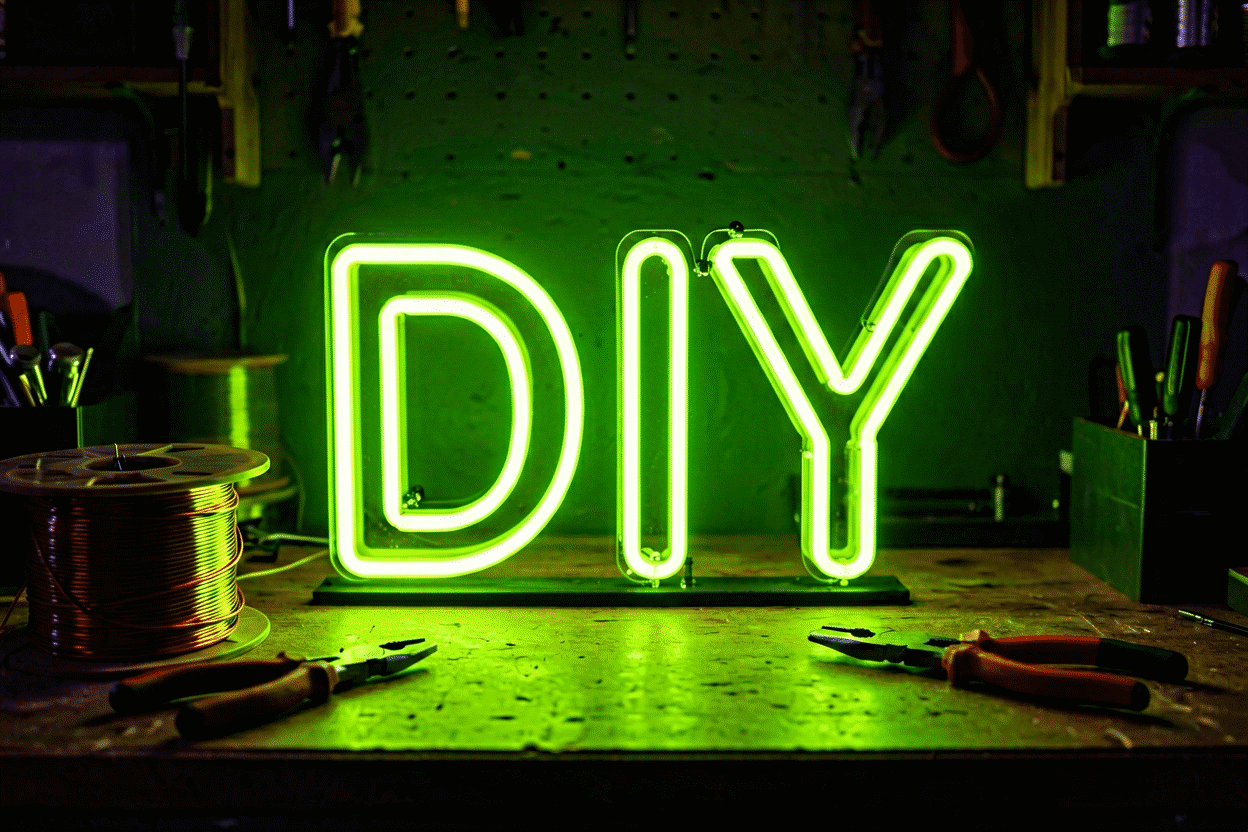
Desktop Neon Sign Ideas: 24 Desk-Size Displays
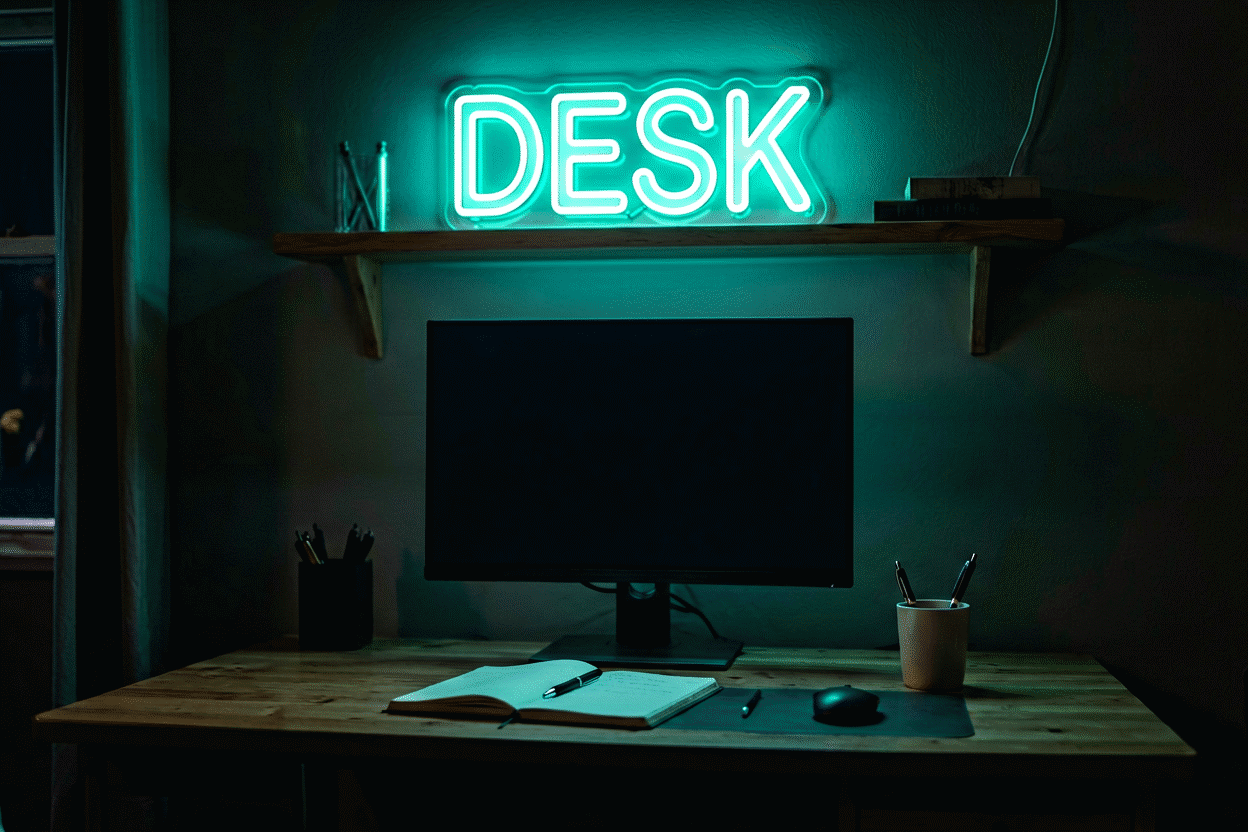
The desktop neon sign is neon’s smallest and most personal format — a 6-to-18-inch piece glowing at monitor height, sized for the square foot of desk in front of you rather than the wall behind. Done right it’s the room’s night mode, the stream’s soft key light, and the daily mood object that a wall sign (covered separately in our bedroom and gaming guides) can’t be, because it lives inside your actual field of view.
This is the ideas catalog — 24 desk-size pieces in five groups, plus the specs that make desktop neon work (size ceilings, USB power, dimming) and the placement rules that keep a glowing object friendly at two feet. The stand-and-floor formats scale the same aesthetic upward in the freestanding guide.
The Desktop Specs (Read Before Choosing)
Four constraints define the format:
- Size: 6–18 inches wide. Beyond ~18 inches the piece stops being desk-scale and starts being a wall sign leaning on furniture. Letters at 1.5–3 inches read perfectly at arm’s length.
- Power: USB is the desktop standard — 5V USB signs (and USB-powered battery banks) eliminate the outlet question entirely. Signs under 12 inches commonly run this way; larger desktop pieces use standard adapters.
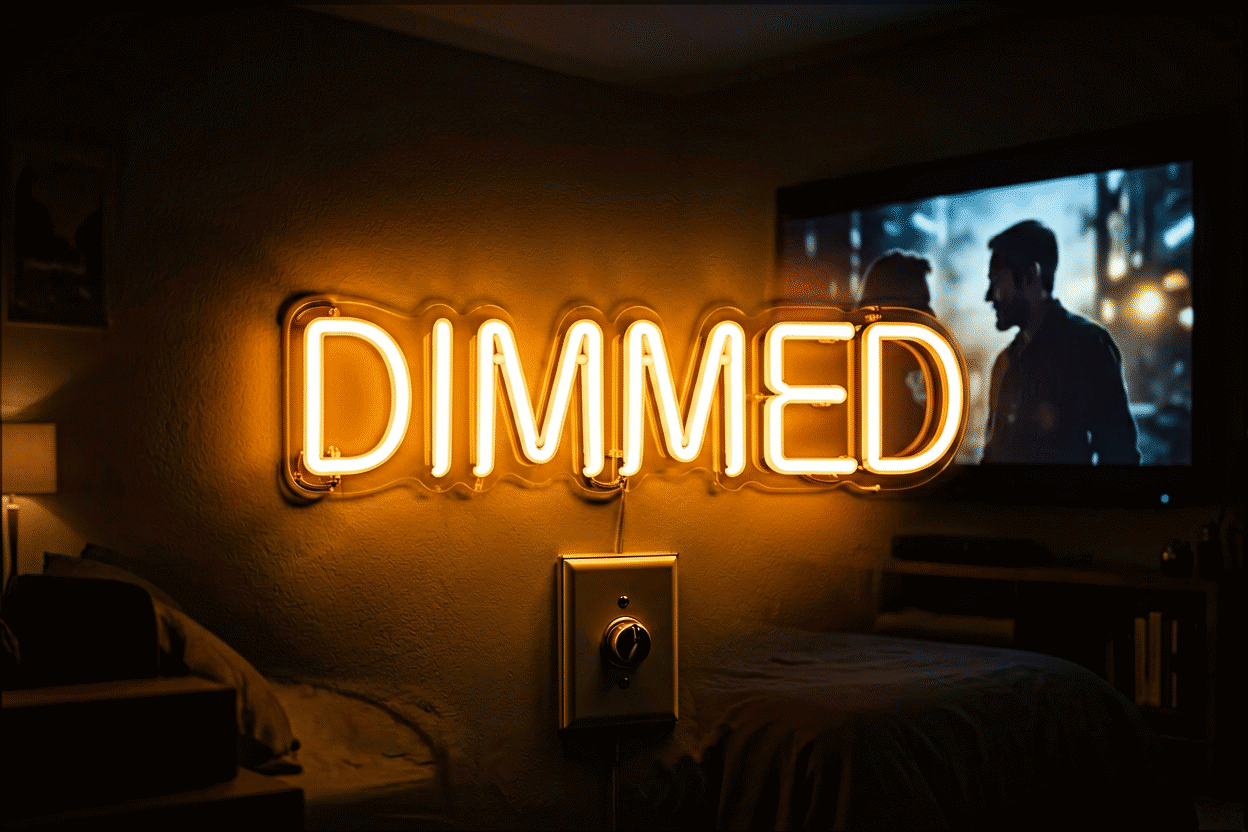
- Dimming is non-negotiable at this distance. A full-brightness sign at 24 inches is a glare source; dimmed to 20–30%, it’s ambient lighting. Every pick below assumes the dimmer is part of the setup.
- Stability: bases and stands over leaning. Desks get bumped. Weighted acrylic bases, small easel stands, and monitor-mount attachments survive the elbow test; pure lean-ins do not.
With those fixed, the catalog:
Group 1: The Wordmarks (Motivation at Arm’s Length)
- Your name or initial — the signature desk: a first name in script or a single tall initial, warm white or pink, 8–12 inches. The most-ordered desktop format because it works in every style of setup.
- “FOCUS” — the productivity talisman, block letters, ice blue or white. Dimmed to 20% during deep work it’s a candle; at 100% on camera it’s a brand.
- “CREATE” — the creator-desk wordmark (pairs with the streamer setups), warm tones for video-friendly glow.
- “HUSTLE” / “GRIND” — sales desks and startup corners; red or amber at low dim.
- “GLOW” — the beauty and skincare desk word, pink; the vanity-desk sister of the same format.
- Your gamertag or handle — the streaming desk essential: your on-screen name glowing behind the mic at 10–14 inches, color-matched to your brand palette.
Group 2: The Icons (Glow Without Words)
- Lightning bolt — energy for tech desks and gaming corners; yellow-white at 8 inches is the classic.
- Heart — warm and flattering pink for vanity tables and bedside desks; the most-gifted desktop icon.
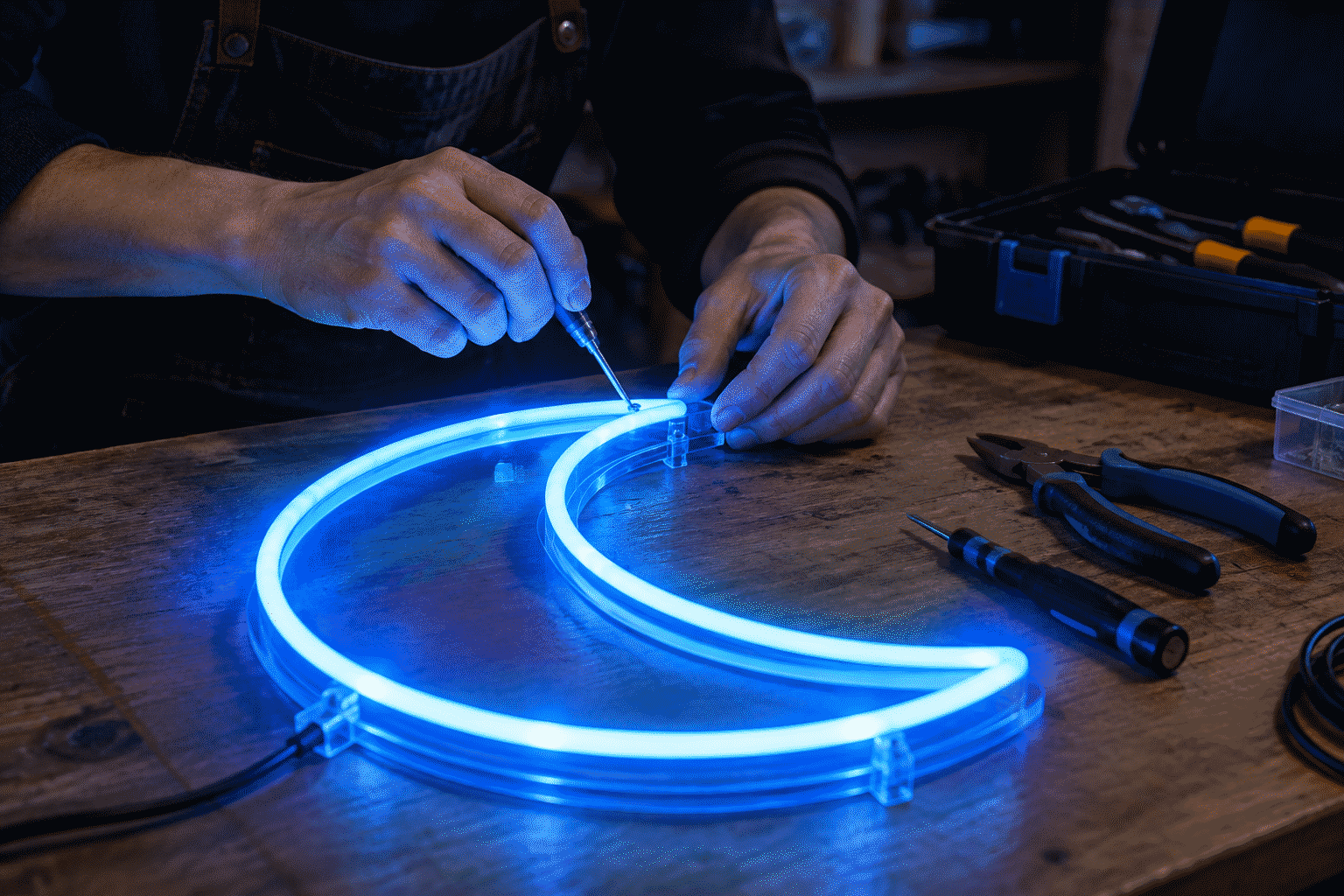
- Crescent moon — the night-mode totem: soft white or ice blue, the sign that says the desk has an evening setting.
- Star — kids’ homework desks and dreamy home offices alike.
- Palm tree — the work-from-vacation desk, green or sunset-pink.
- Smiley face — the mood-lifter in yellow, 6–8 inches; Gen-Z desk staple and the cheapest serotonin available in lighting.

Group 3: The Functional Glows (Light That Does a Job)
- “ON AIR” — the podcast and streaming desk’s functional icon: family members and roommates learn its meaning in one day.
- “OPEN” mini — market stalls, pop-ups, and home shops; the desktop version of the storefront classic (full-size versions live at our open signs).
- “DO NOT DISTURB” — the shared-office and WFH boundary sign, red at low dim; humor with a function.
- “REC” — content desks; pairs with the ON AIR piece or stands alone.
- “WIFI” glyph or “@” symbol — the digital-native desk joke that never fully reads as a joke.
- A small clock-adapted ring — a circular neon ring framing a wall clock or timer on the desk’s back edge; ambient timekeeping for pomodoro sessions.
Group 4: The Style Pieces (Desk as Aesthetic)
- Japanese/katakana short word — the anime and streetwear desk; ice white or pink characters at 8–10 inches carry the aesthetic without volume.
- Retro “MOTEL” or “DINER” mini — vintage Americana at desk scale, red or green; nostalgia in one square foot.
- A gradient wave or squiggle — abstract LED pieces (often color-changing) that read as desk art first and light second.
- “GOOD VIBES ONLY” in mini script — the classic phrase shrunk to desk scale, pink or warm white.
Group 5: The Pairings (Combinations That Work)
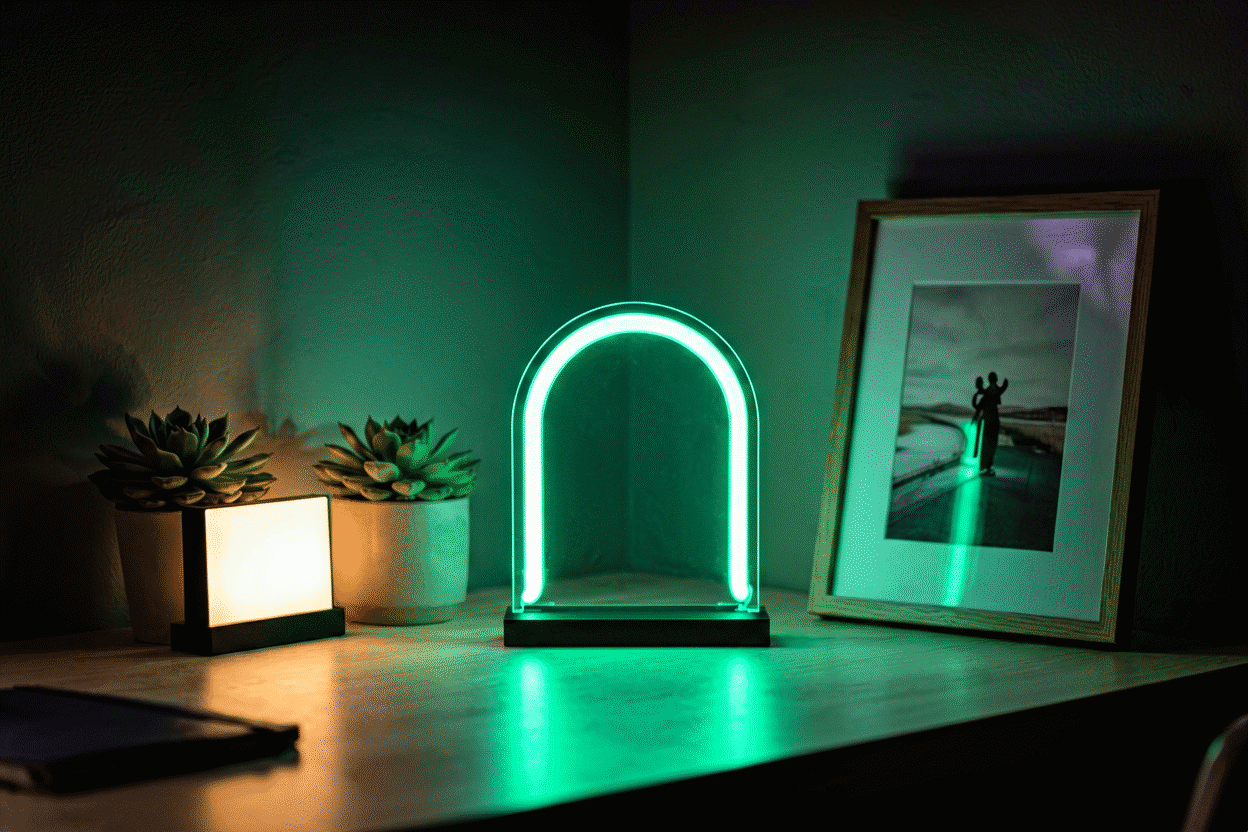
- Icon + wordmark stack — a small bolt or moon above the name sign on a two-tier stand; the museum-label look.
- Twin color pops — two matching icons (hearts, bolts) at opposite desk corners in complementary colors (pink + ice blue), dimmed together; the setup photographed from above with everything glowing in balance.
Placement: The Two-Foot Rules
- Behind the monitor line, not in front — desktop neon belongs in the webcam’s view or the eye’s rest zone, never between you and the screen.
- 10–15 degrees off your sightline — glow at the periphery relaxes; glow dead-center competes with the display.
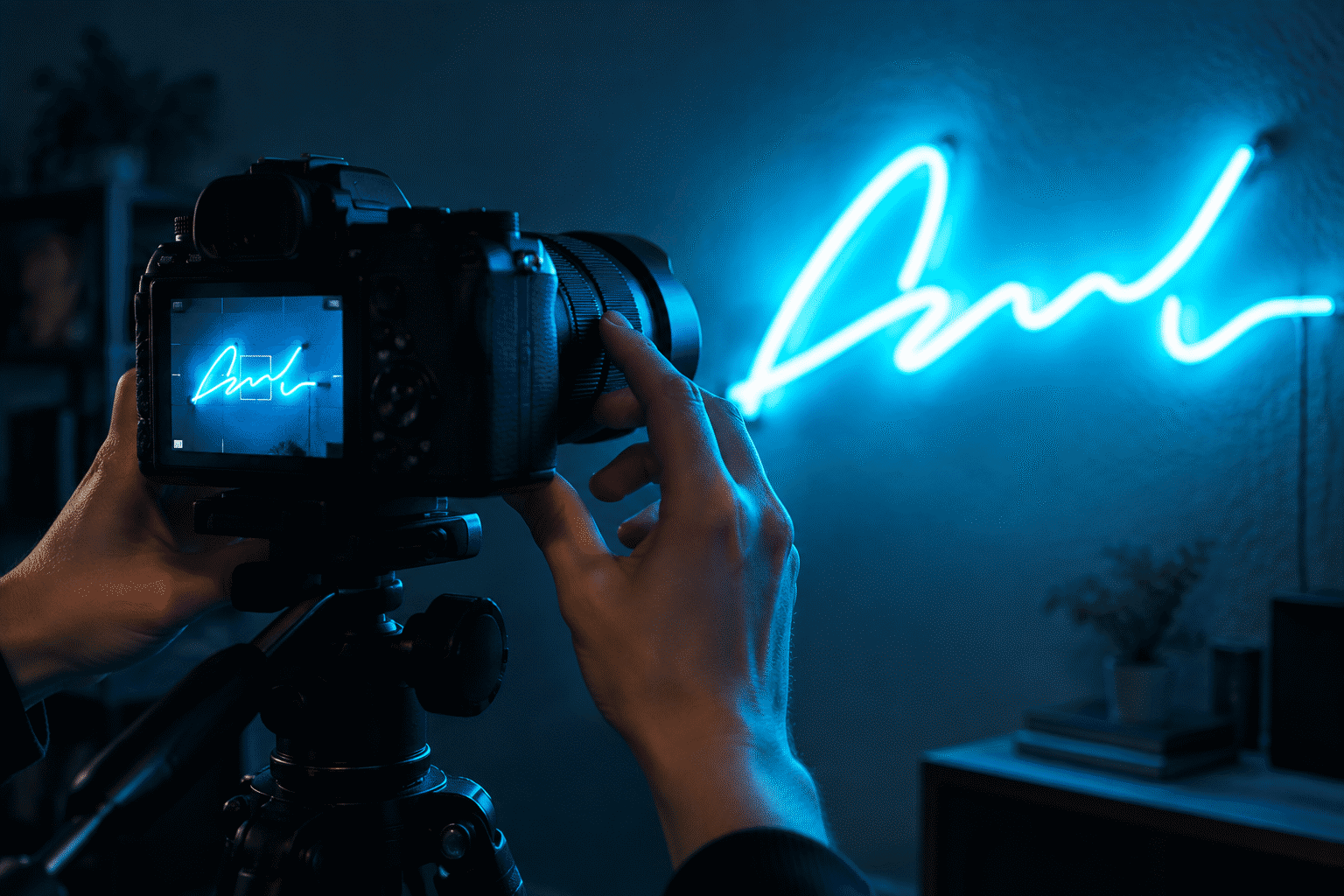
- The streamer math: in a typical head-and-shoulders frame at 60–70% brightness, a 12-inch sign reads large — size down if your framing is tight. (Camera-facing brightness notes are in the dimming guide.)
- Cable discipline at desk scale: USB signs route along the monitor arm with the existing cable bundle — the cable management guide covers the whole discipline.
USB, Battery, and the Outlet-Free Desk
The format’s quiet superpower: USB-powered desktop signs run from the monitor’s USB ports, a hub, or a battery bank — the glowing desk with zero new wall infrastructure. Battery-bank operation makes the traveling-desk and the outdoor-writing-spot configurations real (6–10 hours per quality bank charge; the math lives in the power supply guide).
Build Your Own Desktop Piece
Every idea above is a custom-buildable spec: your word, your icon, your color, at desk size with USB power and dimming options — previewed live in the custom sign builder. The 24-catalog above is really 24 starting points; the best desktop signs are specific (the gamertag, the in-joke, the word you actually whisper at 2 pm), and specificity is exactly what custom building is for.
Desk Builds: Four Setups Assembled
The desktop catalog assembled into four real configurations:
The streamer’s desk. The full content build: gamertag wordmark (12 inches, ice blue) at monitor-left, ON AIR icon (8 inches, red) at monitor-right, both USB-powered from the monitor hub, both on the dimming tier locked at 60% for camera (the photography lock). Cable discipline: both signs’ cords run the monitor-arm bundle into the under-desk tray (the method) — the camera sees zero runs. The setup’s secret advantage: the ON AIR piece doubles as the household’s studio-door signal; family members learned its meaning in two days.
The writer’s desk. The minimalist build: one word — “FOCUS” in warm white, 10 inches, on a small acrylic stand at the desk’s back edge, dimmed to 20% for evening writing sessions (the dimming logic). Total desk footprint: less than a coffee mug’s. The report after a year: the word works — the glow’s presence at the periphery marks writing time as distinct from work time, a ritual object more effective than any app-based focus timer the desk has hosted.
The vanity desk. The beauty build: “Hello Gorgeous” in soft pink script (14 inches) above the mirror line, a small heart icon (6 inches) at the mirror’s corner, both warm-toned for the flattery physics (the pink logic) and dimmed to a glow that reads in makeup-mirror terms as “evening light.” The USB-power choice keeps the desk’s outlet free for tools, and the whole assembly rides the vanity’s frame — furniture mounting, the renter’s friend (the no-drill methods).
The home-office double. The professional build: a small company logo (10 inches, brand-blue) beside the video-call camera line, and a “DO NOT DISTURB” piece (8 inches, red, low dim) on the door-side shelf — the WFH boundary infrastructure (the office ideas). The logo piece runs at 65% on calls (the camera-calibrated level); the door piece runs only during meetings. The household adaptation took a week: the red glow now quiets the hallway without a word said.
The four builds’ common specs: everything USB-powered or battery-capable, everything dimmable, nothing over 14 inches, and every cord in the tray — the desktop format’s discipline in one sentence (the desktop rules).
FAQ: Desktop Neon Signs
What size neon sign works on a desk? 6–18 inches wide with 1.5–3 inch letters — beyond that, the piece becomes wall-scale. At arm’s length, small letters read large; a 10-inch wordmark carries like a 30-inch wall sign.
Are there USB-powered neon signs for desks? Yes — USB power is the desktop standard, running from monitor ports, hubs, or battery banks (6–10 hours per charge). It eliminates the outlet question entirely for signs under about 12 inches.
How bright should a desk neon sign be? Dimmed to 20–30% for everyday desk ambiance — full brightness at two feet is a glare source. Dimming at order time (or an in-line dimmer) is the make-or-break desktop feature.
What are good neon sign ideas for an office desk? Name or initial wordmarks, FOCUS/CREATE motivation pieces, ON AIR and DO NOT DISTURB functional signs, and small icons (bolt, moon, heart) — the full 24-piece catalog above, grouped by work, function, and style.
Can a neon sign sit on a desk without mounting? Yes, on weighted acrylic bases or small easel stands built for desk scale — desks get bumped, so bases and stands outperform leaning. Wall-mounting isn’t required for the format.
Do desktop neon signs use much electricity? Virtually none — USB desktop signs draw 2–5 watts, less than a single LED bulb. The full running-cost math for all sign sizes lives in our electricity guide.
The Desktop Collector’s Path
The format invites collecting — pieces are small, themed, and stack-ably priced — and the collecting path that works is curatorial: start with the identity piece (name or gamertag — the anchor (the wordmark group)), add the function piece next (ON AIR or DO NOT DISTURB — the one that earns its desk space daily), and only then browse the icon and style groups for the joy purchases. The discipline that keeps desk-scale collecting from cluttering: one sign per sightline rule — the desk’s camera frame and your seated view each carry exactly one glow, with pieces rotating seasonally rather than accumulating (the rotation logic). Power management scales with the collection: one quality USB hub serves four desk signs cleanly, with the bundle discipline preventing the cord chaos that small-format signs multiply (the cable method). Six pieces, well-chosen, is a museum; twelve, unordered, is a toy store — the curatorial line is the format’s whole aesthetic.
Where do desk neon signs plug in best? Into the monitor’s USB hub or a powered desk hub — one cable path for the whole collection, no wall outlets consumed, and the bundle joins the existing monitor-arm run (the cable method). Battery banks serve the outlet-free desk or the traveling setup at 6–10 hours per charge (the power layer).
Sources & Further Reading
- Solid-State Lighting (U.S. Department of Energy) — DOE reference on LED efficacy and lifetime.
- Neon sign (Wikipedia) — the consolidated public record of neon-sign history and technology.