Blog
Neon Colors for Gaming: Battlestation Glow Guide
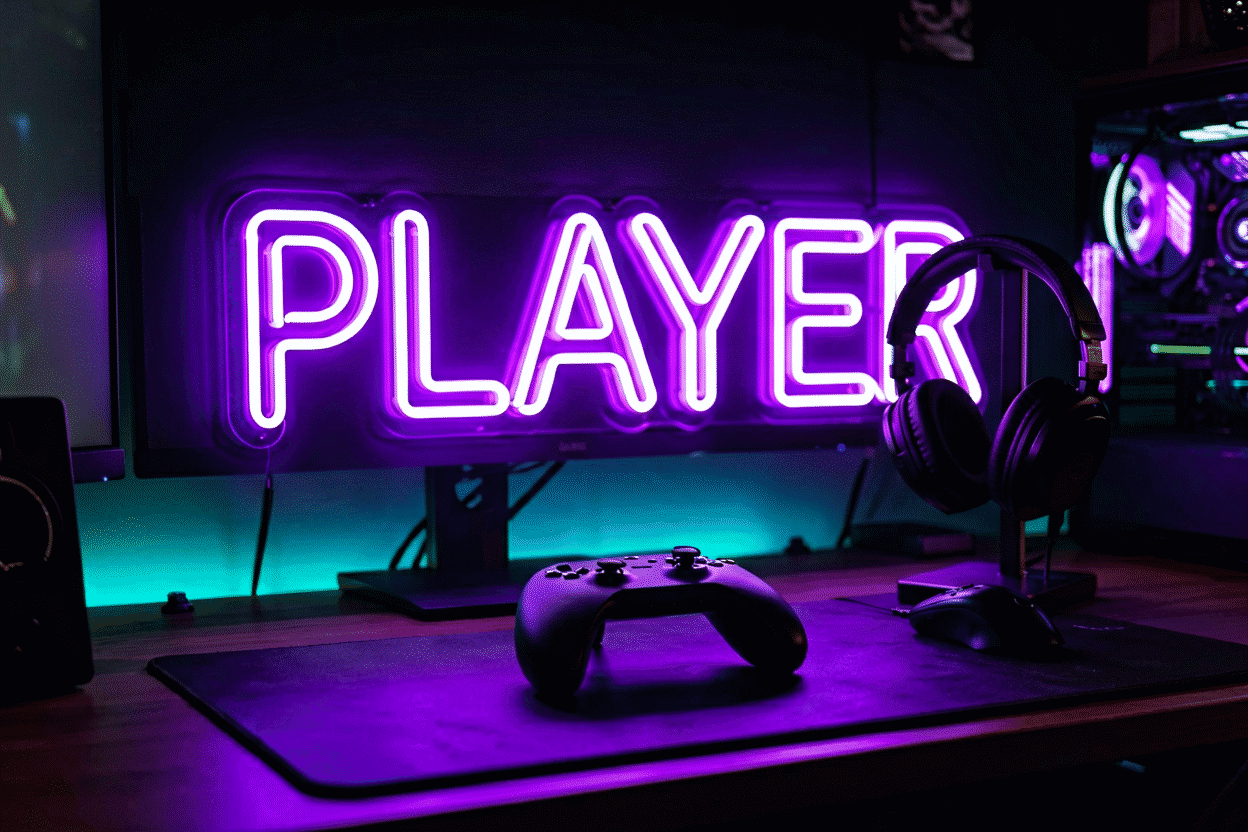
Gaming-wall color is a system decision, not a favorite-color decision — because the battlestation already has a lighting system (the RGB on your tower, keyboard, mouse, and monitor) and the neon sign’s job is to complete it, not fight it. The four schemes that work: cyberpunk duotone (purple + blue — the genre’s native pair), clean cold (electric blue or white-led minimal), warm contrast (pink + blue against black — the streamer standard), and RGB dynamic (color-changing everything, synchronized). Pick the scheme first; the sign follows.
The room-scale setups (placement, formats, full ideas) live at gaming room ideas; this page is the color decision.
First Principle: The Peripherals Set the Rules
Modern battlestations run unified peripheral RGB (the tower, keys, mouse, fans — often on one ecosystem app). Your neon choices live inside that system:
- If the peripherals run one brand-ecosystem: pick the sign to harmonize — a static sign in the ecosystem’s accent hue, or an RGB sign whose modes can sit near the keyboard’s patterns (the RGB layer)
- If the setup is rainbow-everything: an RGB neon sign joins the party (the dynamic route)
- If the setup is monochrome or subtle: the sign becomes the room’s single color statement — the cleanest look of all
The anti-pattern: static purple peripherals + hot pink sign + green bias strips — three unrelated systems shouting. One scheme, executed.
Scheme 1: Cyberpunk Duotone (Purple + Blue)
The genre-native pair: purple for the moody-future register, electric blue for the tech-crisp one — against black or dark walls (purple’s guide, blue’s).
- Execution: sign in one hue, bias lighting (behind-monitor strips) in the other; or a duotone sign (word + icon split)
- Best for: the full aesthetic battlestation — anime posters, katakana pieces, synthwave accents
- The evening behavior: both hues dim beautifully — the 20% late-night version is the scheme’s best self
Scheme 2: Clean Cold (Electric Blue or White)
The minimal-tech register: one saturated cool hue, black-and-gray surroundings, hardware as the visual texture.
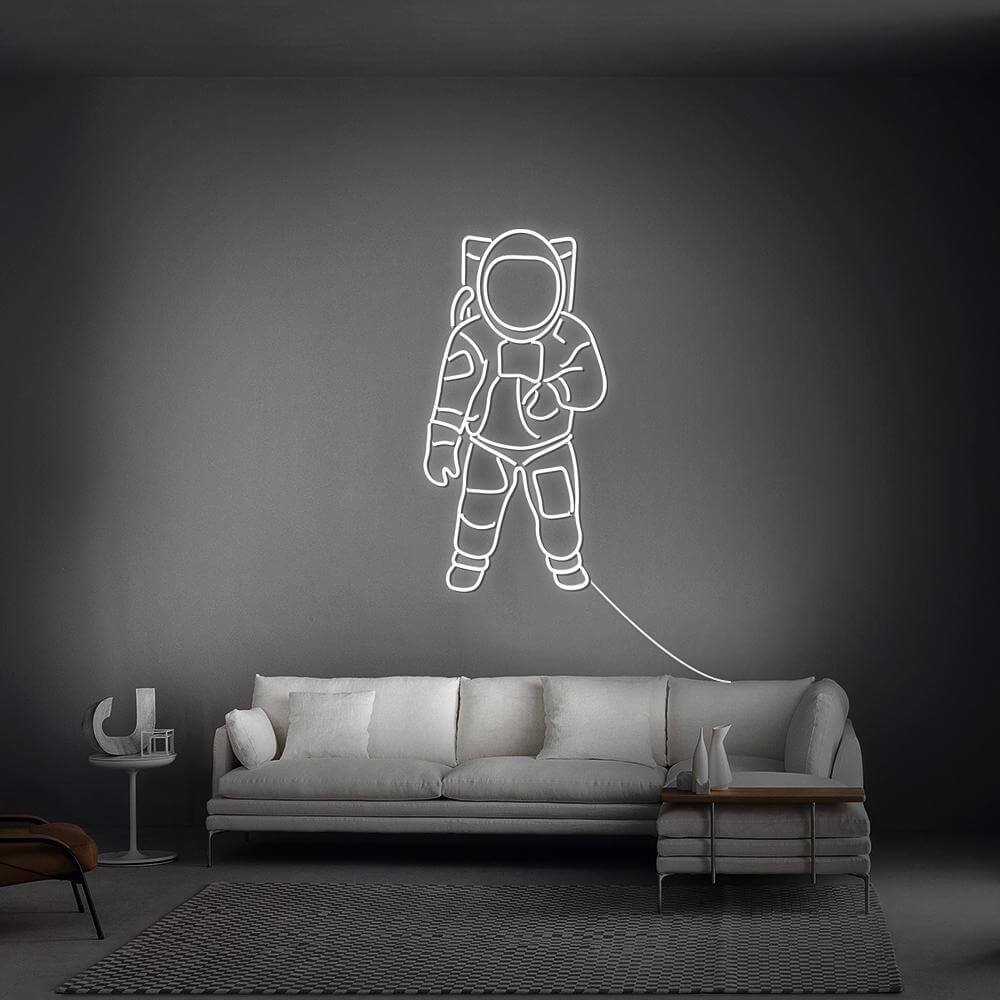
- Execution: electric blue wordmark (gamertag, FOCUS) or pure white script over the dark wall; nothing else glows (white logic)
- Best for: setups that photograph editorial — the streamer-minimal and the grown-up battlestation
- The discipline: this scheme lives or dies on cable management (the guide) — clean light exposes messy runs
Scheme 3: Warm Contrast (Pink + Blue)
The streamer standard: hot pink and blue against black — maximum pop on camera, flattering to the person in frame (combinations).
- Execution: pink wordmark + blue icon, or sign in one hue with RGB peripherals cycling toward the other
- Best for: content-facing setups — the glow reads energetic on stream and flatters skin (the photography layer)
- The note: pink-and-blue reads social-playful; pair with black walls to keep it from sliding carnival
Scheme 4: RGB Dynamic (Everything Changes)
The maximalist route: color-changing sign synchronized with (or leading) the peripheral ecosystem.
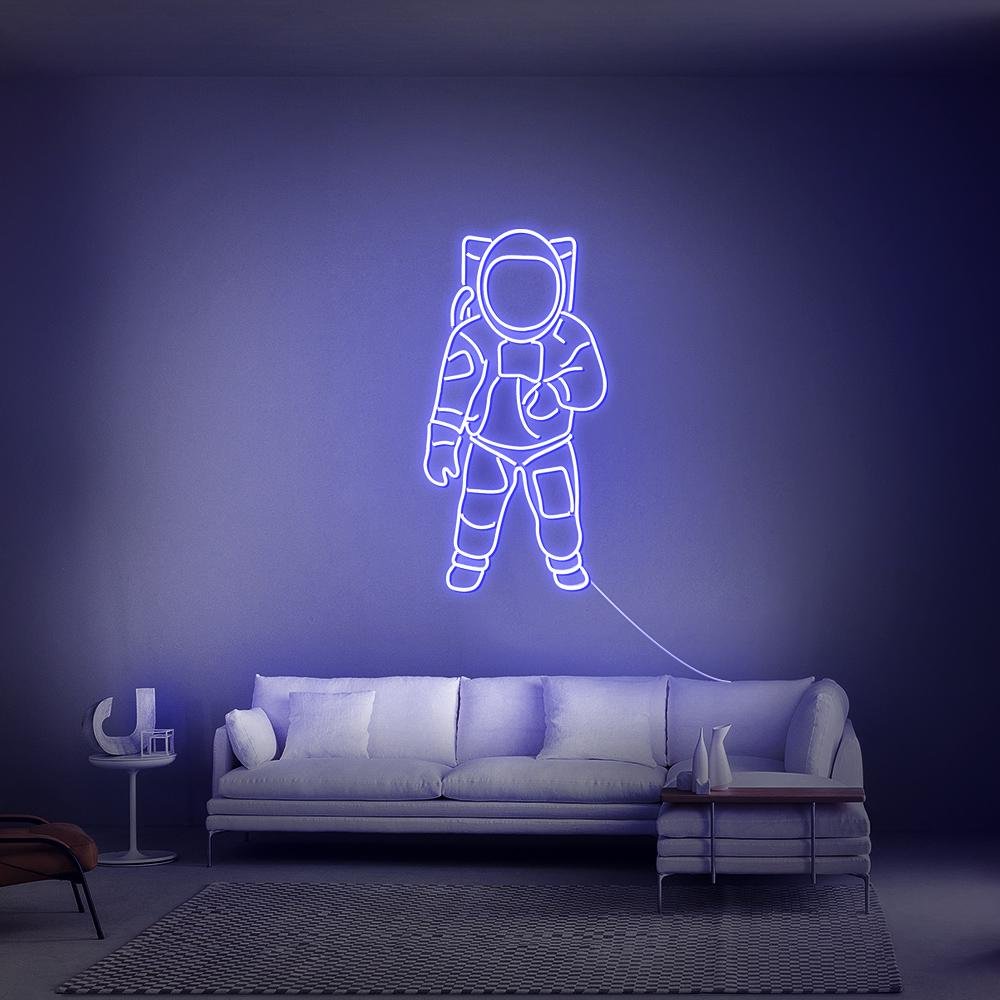
- Execution: RGB neon sign (the tech guide) with static fallback scenes — a daily hue plus event modes
- Best for: variety-lovers, party hosts, the setup that changes mood by game
- The honest physics: mixed RGB hues run 20–40% dimmer than native-color signs (why) — size up one notch, or run a static anchor piece beside it
The Hue Notes for Gaming Specifically
- Electric blue: the default — reads tech-native, holds up on camera, pairs with everything cold
- Purple: the mood upgrade — deeper, more cinematic, owns the after-dark register
- Red: the competitive register — aggressive, high-arousal (the psychology); best as accent (icon or trim) rather than the room’s whole voice
- White: the sophisticated outsider — the “adult battlestation” choice (the aesthetic)
- Green: the matrix register — for code-and-craft setups more than shooter rigs
- Pink: the streamer-favorite — flatters faces, reads social, pairs with blue by convention
Camera Behavior (The Content Layer)
If the setup streams or posts: cool hues (blue, purple) grade cinematic and tolerate exposure drift; warm pinks flatter skin and hold saturation; white blooms first — dim it below full for camera work (the full method). RGB modes on camera: fade and breathe read professional; strobe reads seizure-warning amateur.
Building the Scheme (Order of Operations)
- Inventory the ecosystem: what do the peripherals run, and can the sign join it?
- Pick the scheme by register: cyberpunk (purple+blue) / clean cold (blue or white) / warm contrast (pink+blue) / RGB dynamic
- Choose the sign’s role: the room’s single statement (static, native hue) or the flexible member (RGB)
- Stage the darkness: all four schemes want dark walls — the contrast is half the look (the rules)
- Run cable discipline before shooting anything
- Preview the hue on your gamertag — the custom builder renders every scheme’s hues on your actual words
The Gaming Wall Order Sheet
Specifying the gaming sign — the order-form translation of the four schemes:
Scheme-to-spec mapping. Cyberpunk duotone: purple wordmark + blue bias strips (or a duotone sign — the combinations); clean cold: electric-blue or white wordmark, black walls, zero extra glow; warm contrast: pink sign + blue accents for the stream-facing frame; RGB dynamic: the color-changing build with static fallback scenes (the schemes). The spec sheet starts by naming the scheme — everything else follows.
The camera-facing specifications. Signs in frame order dimming (the 60–70% camera lock (the photography method)) and hue-graded expectations: cool hues for cinematic streams, warm for lifestyle content, white dimmed below full to prevent bloom. The RGB mode spec: fade and breathe for on-camera; strobe stays off (the amateur tell (the remote guide)).
The battlestation-size specifications. Monitor-adjacent signs size to the frame: 12–18 inches beside the display reads correctly in a head-and-shoulders shot (the desktop rules); wall statements behind the whole setup scale 24–40 (the measurement guide). The mockup with the actual camera angle — tape the outline, sit in position, shoot the test — prevents the too-big/too-small discovery after delivery.
The ecosystem specifications. Peripheral-RGB households: the sign’s hue joins the ecosystem’s accent (the peripheral rules); monochrome households: the sign becomes the wall’s single statement; RGB households: synchronization via the maker’s app or the strip ecosystem’s bridge (the smart layer).
The cable discipline, ordered with the sign. The gaming wall’s finish work is management: channel for camera-facing drops, tray for the desk bundle, sleeves for the runs (the full method) — ordered alongside the sign so the install day ends camera-ready, not cable-pending.
Name the scheme, lock the specs, mock the frame — then build it, where every gaming scheme renders on your gamertag before it ships.
FAQ: Gaming Neon Colors
What color neon is best for a gaming setup? Electric blue as the versatile default, purple for cinematic depth, pink+blue for streamer-facing pop, white for the minimal-adult look — chosen to complete your peripheral RGB system rather than fight it (the schemes above).
Should gaming neon signs be RGB? If the peripherals run RGB ecosystems: yes, an RGB sign joins the system and adds modes. If the setup is monochrome: a static native-hue sign is the cleaner statement — and native hues out-glow mixed RGB by 20–40%.
What colors go with a purple and blue gaming room? Black walls and neutral-gray furniture — the duotone carries everything else; add one warm accent (amber strip or desk lamp) only if the scheme reads too cold at night.
Is red neon good for gaming rooms? As an accent — icons, trims, competitive iconography — red’s high-arousal register works in doses. As the room’s whole voice, it exhausts; blue and purple sustain longer sessions better (the psychology).
How do neon signs look on camera for streaming? Cool hues grade cinematic and tolerate drift; pinks flatter and hold saturation; white wants dimming below full to avoid bloom — and fade/breath modes read professional where strobes read amateur (the method).
How many neon colors should a gaming setup have? One scheme: duotone at most (one dominant + one supporting), with the sign either carrying the scheme or joining the peripheral system. Three-plus unrelated hues is the arcade anti-pattern.
The gaming summary: four schemes (cyberpunk, clean cold, warm contrast, RGB dynamic) matching the setup’s ecosystem and the stream’s camera; the peripheral-first rule; the 65% camera lock; and the cable discipline that finishes the frame (build the scheme). The gaming wall done right is a system decision — the sign completing the RGB ecosystem rather than fighting it, hue by register, brightness by camera, the whole wall fluent in the content it frames. Should my gaming sign match my keyboard RGB? Match or deliberately complement — the two working relationships (the ecosystem rules). Matching (sign hue equals the peripheral accent) reads as one designed system; complementing (sign carries a register the peripherals do not — a warm wall piece over a cool battlestation) reads as layered design. The failure is neither: it is accidental mismatch, the third color relationship nobody chose.
One scheme, executed cleanly, beats three hues improvised — the gaming wall’s color story in eleven words, validated by every clean setup the era has photographed.
Match the ecosystem, lock the camera level, and the wall plays as one instrument — that is the complete scheme.
Sources & Further Reading
- Neon sign (Wikipedia) — the consolidated public record of neon-sign history and technology.
- Neon, element 10 (Wikipedia) — element properties: density, boiling point, abundance.